Compare the destination with the open URL
Check self-references without false positives
Start with menus and breadcrumbs in the browser, then compare exact addresses. An anchor, parameter, locale switch or different canonical destination is not automatically an error.
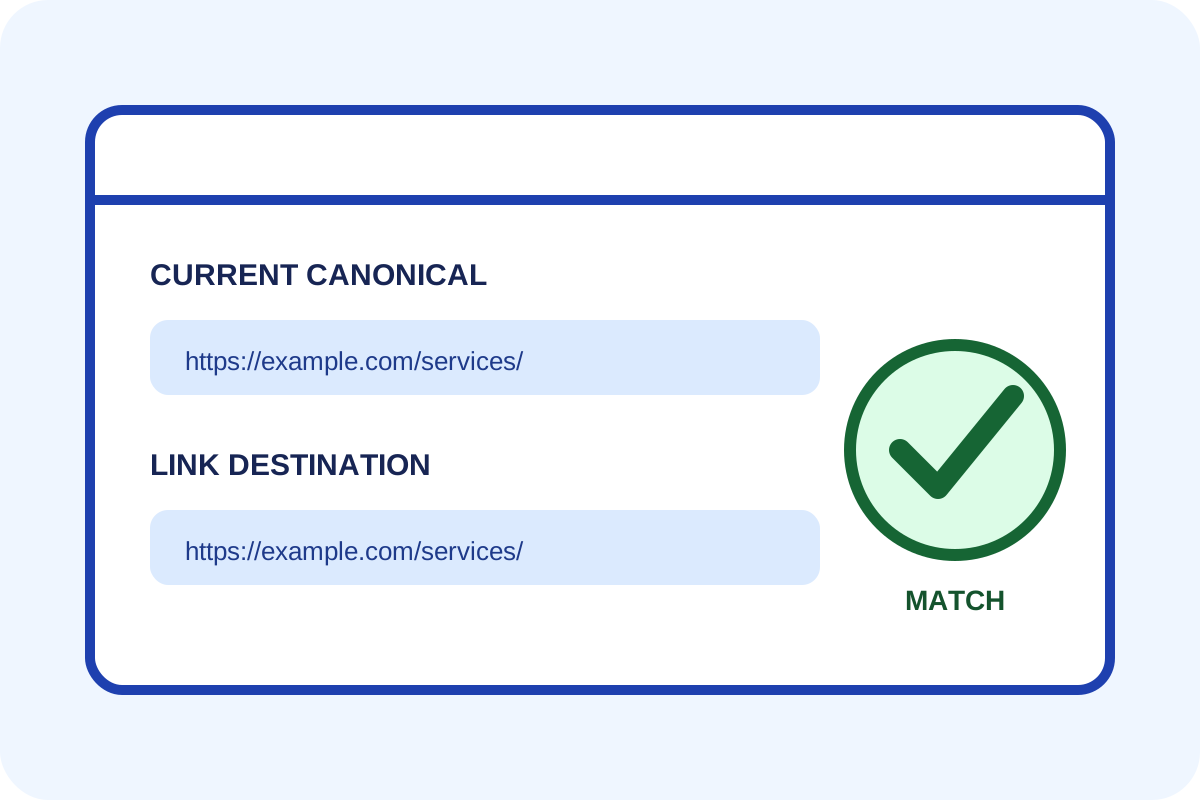
Simple check
- Open a page and find the active menu item or final breadcrumb.
- Hover and copy the link destination.
- Compare it with the address bar and
rel="canonical"in the HTML source. - If a normal click merely reloads the same canonical URL, save a screenshot and both addresses.
- Repeat on an adjacent page using the same template.
How to classify a finding
| Situation | Level | Action |
|---|---|---|
| The active item is text with a clear state | No issue | Check keyboard use and contrast. |
| One editorial link intentionally points to the same page | Minor | Confirm the editorial purpose. |
| Menus, logo or breadcrumbs repeatedly reload the current page | Template issue | Repair the shared component. |
| The link changes an anchor, locale or meaningful parameter | Review purpose | Do not remove automatically. |
Technical check
document.querySelectorAll('a[href]').forEach(a => {
  const link = new URL(a.href, location.href);
  const here = new URL(location.href);
  link.hash = ''; here.hash = '';
  if (link.href === here.href) console.log(a, link.href);
});
Run this in DevTools Console only on a trusted page. It lists candidates on one page but cannot decide whether each link is useful.
Independent method and discrepancies
A crawler can report internal outgoing destinations equal to their source URL. Results vary with trailing-slash, HTTP/HTTPS, parameter and JavaScript normalisation, so examples need browser confirmation.
Any automated price covers only the templates and scope stated on the service page. Follow the step-by-step guide for your own repair.
