Check the file, URLs and updates
Verify sitemap.xml quality independently
Open the sitemap, inspect its response and XML, then sample included URLs. A good sitemap contains canonical indexable 200 pages and actually updates with the website.
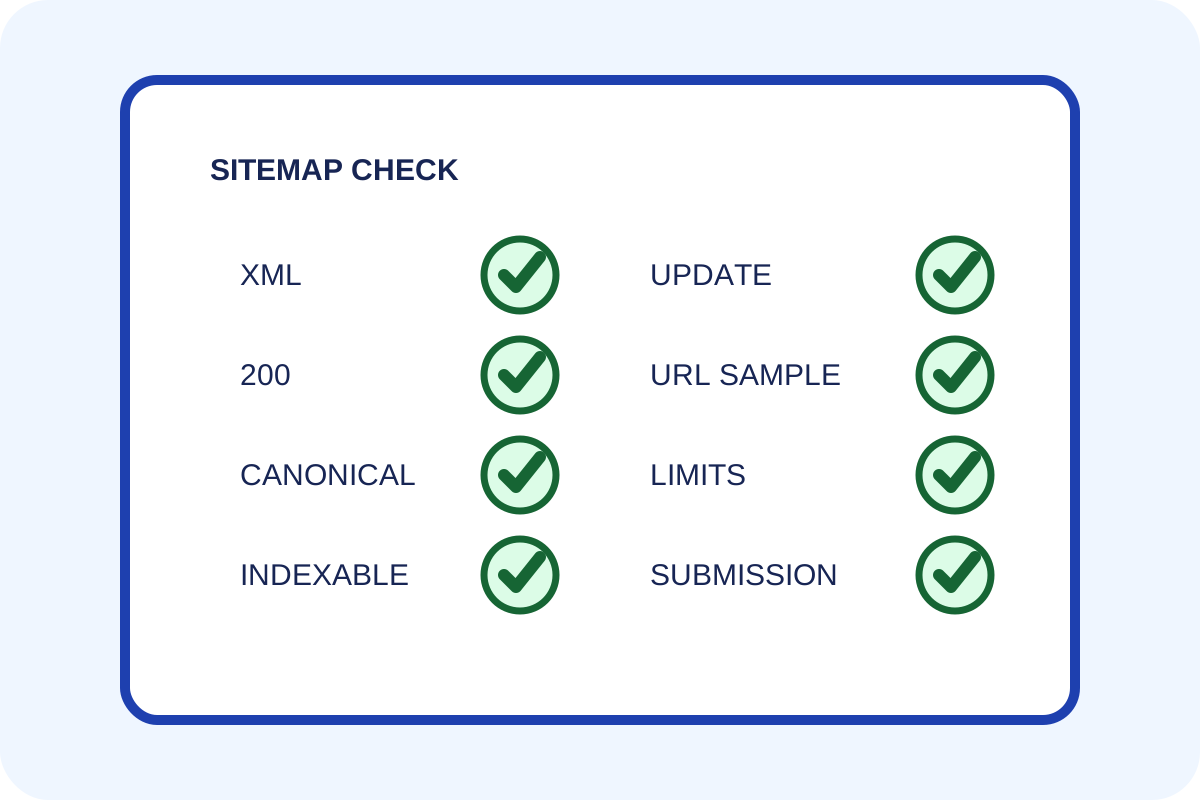
Simple check
- Open
/sitemap.xmland the URL declared in robots.txt; record exact address and 200 response. - For an index, open every child sitemap and count files and URLs.
- Sample destinations from the beginning, middle and end of every content type.
- Confirm 200, HTTPS, self-canonical and no noindex.
- Compare a new, recently changed and removed page with sitemap content.
- When available, open Search Console Sitemaps and save status and read date.
How to classify the result
| Situation | Level | Action |
|---|---|---|
| Valid XML, canonical/indexable/200 URLs and working updates | No issue | Save sample and date. |
Incorrect or always-current lastmod | Unreliable signal | Repair the date source or omit it. |
| Redirects, 404s, noindex or non-canonical URLs included | Composition error | Repair generator rules. |
| New important pages do not appear | Stale sitemap | Configure dynamic updates. |
| File exceeds 50,000 URLs or 50MB | Limit exceeded | Split files and create an index. |
Technical check
curl -I https://example.com/sitemap.xml
curl -sS https://example.com/sitemap.xml | xmllint --noout -
curl -sS https://example.com/sitemap.xml | rg -c '<loc>'
If the server blocks a local tool or XML uses XSL styling, save the response and inspect content separately. Do not copy an entire validator report when counts, examples and a source link are sufficient.
Discrepancies and scope
Search Console “discovered” counts may differ from file URL counts because of processing delay, nested maps and rejected addresses. A sitemap is not a list of pages actually indexed. Caching may delay generator updates.
Any automated price applies only to the scope on the service page. Follow the step-by-step guide for configuration.
