How to minify JavaScript safely
Keep readable sources, create production artifacts with one repeatable command and reference them with a new version. Always test syntax and real site actions after building.
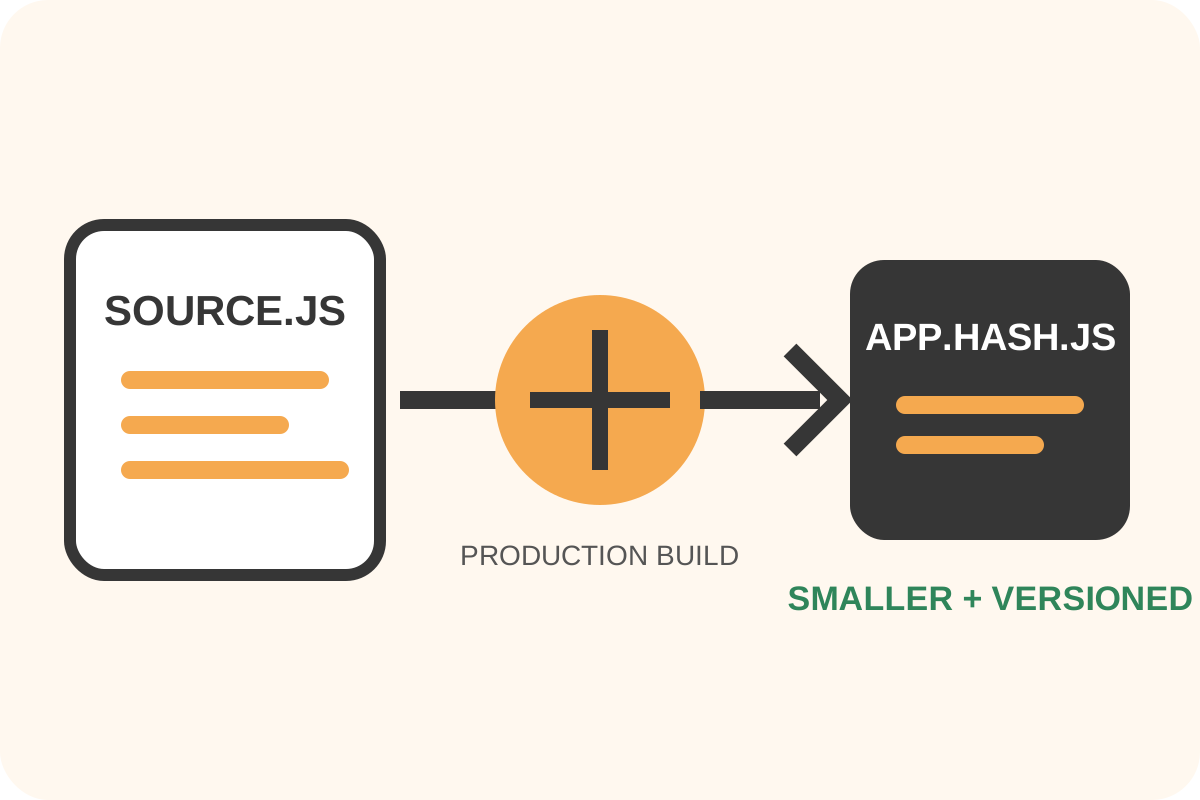
The safest route
Message for a developer
“Configure production minification of first-party JavaScript from sources, do not process vendor *.min.js again, preserve required licenses, source maps under project policy and cache versioning. Record before/after sizes and test the build, Console, forms, menus and critical journeys.”
Back up sources, lockfile, manifest and script templates. Work in a branch or staging environment and keep a quick route to the previous production artifacts.
Implementation steps
- Inventory first-party JS in Network and record Resource Size, Transferred, Content-Encoding and initiator.
- Find the source entry point and existing bundler: Vite, Webpack, Rollup, esbuild or another supported tool.
- Install from the lockfile and reproduce the current development/production build before changing it.
- Enable production mode and supported minification. Never embed environment secrets in a client bundle.
- Choose source-map access deliberately: a public map can include source text; a private map belongs in error monitoring, not the public directory.
- Add content hashes or a manifest version and point templates to the generated files.
- Run syntax checks, tests and control journeys; compare uncached responses.
Single-file Terser example
npx terser src/app.js \
  --compress --mangle \
  --source-map "filename='app.min.js.map',url='app.min.js.map'" \
  --output public/js/app.min.js
This illustrates a simple classic file, not every project. Use the existing bundler's production configuration for modules, multiple entries, JSX/TypeScript and dynamic imports.
Avoid blind aggressive transforms
Code using eval, dynamic names, reflection, plugin globals or inaccurate side-effects metadata can break under aggressive mangling or tree shaking. Change one setting at a time and test.
Rollback and separate work
| Check | Good result | On failure |
|---|---|---|
| Build/Console | No errors or missing chunks | Restore the prior manifest and artifacts |
| Cache | HTML references the new hash | Repair release and invalidation |
| Features | Journeys pass on first attempt | Disable the failing transform |
| Source map | Stack maps to source without secret exposure | Change map publication mode |
Minification does not replace unused-code removal, code splitting, defer, Gzip/Brotli or bug repair. Perform the independent audit after release.
