How to defer video loading
Use preload="none" for a native file and an accessible click-to-load facade for a heavy iframe. Preserve dimensions, fallback and the first click—the visitor should not press Play twice.
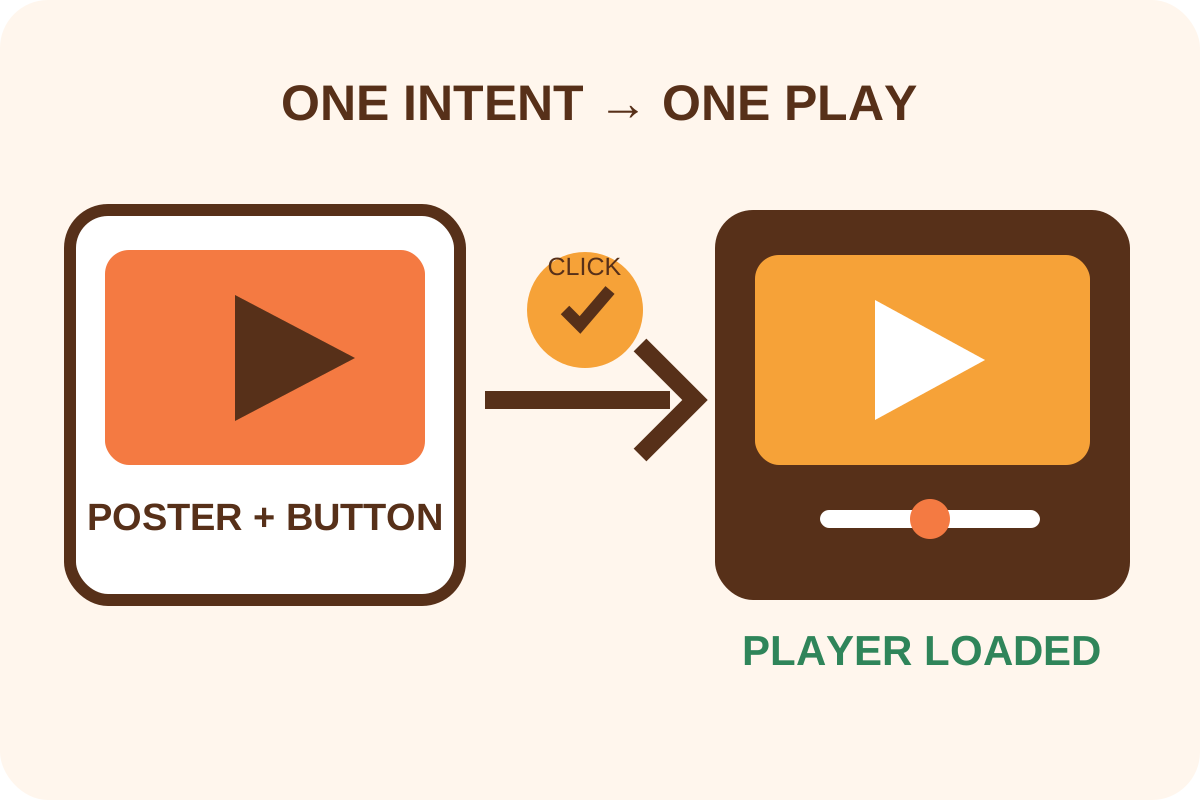
The safest route
Message for a developer
“Classify each item as native video or iframe. Give non-autoplay native video preload=none and a poster; give third-party iframe an accessible click-to-load facade with fixed aspect ratio, title, fallback link and consent handling. No provider requests before click; the first click should load and start playback where the browser permits.”
Back up original markup, video URLs, player parameters and analytics events. Prepare a licensed local poster with correct crop and dimensions; do not depend on a third-party thumbnail without an approved policy.
Choose the right mode
| Situation | Pattern | Verify |
|---|---|---|
| First-party MP4/WebM with controls | preload="none" + poster | First Play, range requests, formats |
| Below-fold iframe | loading="lazy" | Requests begin near viewport |
| Heavy YouTube/Vimeo embed | Click-to-load facade | No provider requests before click |
| Embed is unnecessary | Poster + external link | New tab and clear label |
Facade implementation
- Create a container with the final player's aspect ratio.
- Add a responsive poster, caption and real
button type="button"named “Play: title”. - Store iframe URL in safe
data-*or build it from an allowlisted ID; never inject untrusted HTML. - On click, replace the facade with an iframe using
title,allowand only required permissions. Request autoplay only within that user gesture. - Move focus into the player or announce loading; on failure retain retry and external-link options.
- When consent is required, avoid third-party poster/API requests beforehand and keep the next step explicit afterwards.
- Test mouse, Enter/Space, screen reader, narrow viewport, slow network, repeat playback and analytics.
<video controls preload="none" poster="/media/preview.webp"
       width="1280" height="720">
  <source src="/media/demo.webm" type="video/webm">
  <source src="/media/demo.mp4" type="video/mp4">
  <a href="demo.mp4">Download video</a>
</video>
Risks and rollback
- Do not use
autoplay="false": a present boolean attribute still means autoplay; remove it. - Do not rely on hover as the only loading path; touch and keyboard have no equivalent.
- Do not turn an image into a non-semantic button without focus or name.
- Do not remove captions, controls, privacy parameters or analytics without agreement.
- Do not defer hero video blindly: its poster may become LCP and need its own priority.
To roll back, restore original markup, clear cache and repeat journeys. Then perform the independent audit. Transcoding, captions, editing and media hosting are separate work.
