Ask for free SSL with automatic renewal first
A free Let's Encrypt certificate is sufficient for most ordinary websites. Many hosts issue and renew it automatically.
- do not buy before the host replies;
- confirm coverage with and without WWW;
- save the answer and renewal terms.
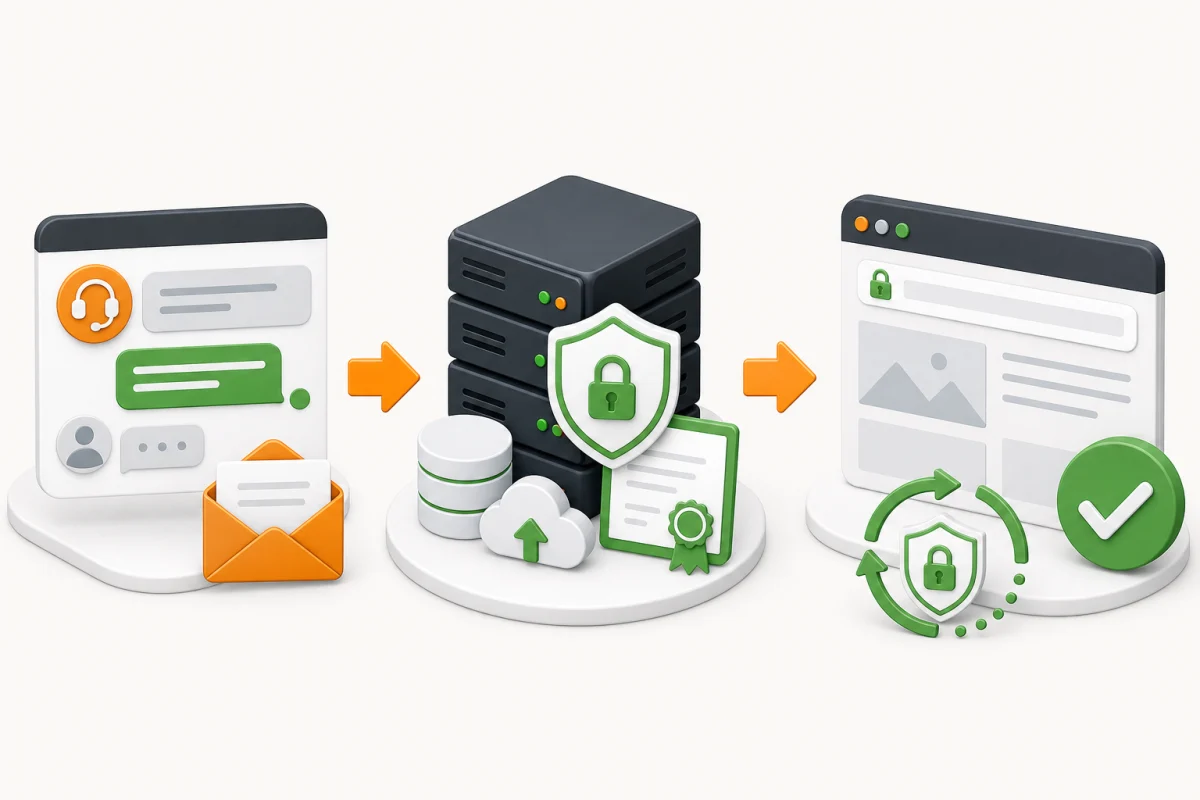
Message to send to support
“Hello. I need an SSL certificate for example.com and www.example.com. Does my plan include free Let's Encrypt? Please issue and install it, enable automatic renewal and tell me whether DNS changes are required. If only a paid option is available, please provide the certificate type, total price, validity period and renewal price before placing an order.”
What to prepare
- hosting-account access and a current website backup;
- a list of hostnames in use: root domain, WWW and required subdomains;
- DNS access if DNS is managed outside the host;
- an administrative domain email address if ownership is validated by email.
Never send a private key in ordinary correspondence. If it has been exposed, reissue the certificate with a new key.
Step-by-step process
- Look in the hosting panel for SSL, HTTPS, Security or Let's Encrypt.
- If a free option exists, select every hostname actually used and enable automatic renewal.
- If it does not, send the support message and wait for exact terms.
- Buy a paid certificate only after the host confirms compatibility. Purchase through the host or an established certificate authority such as DigiCert or Sectigo.
- Validate domain control through DNS, an HTTP file or administrative email.
- Install the issued certificate and intermediate chain in the panel, or ask support or a system administrator to do it.
- Verify HTTPS before enabling an HTTP-to-HTTPS redirect.
When you manage the server
Servers with shell access commonly use the official Certbot client. Select the web server and operating system in the official Certbot instructions to obtain the correct commands.
sudo certbot --nginx -d example.com -d www.example.com
sudo certbot renew --dry-runRollback and final checks
If the site stops opening, restore the saved virtual-host configuration and disable the new HTTPS redirect. A website backup does not restore server configuration, certificates or keys.
- open the domain with and without WWW;
- confirm that the browser shows no warning;
- check a renewal dry run or automatic-renewal status in the panel;
- record the issue date, renewal method and responsible person.
Use the detailed manual SSL certificate check for independent proof. Mixed content, HTTPS redirects and internal website links are separate repairs. If issuance or installation fails, order assistance.
