Check both the asset and the page
Confirm smaller CSS without a broken design
Compare transferred CSS size before and after, inspect the file and test representative pages. A .min.css filename alone proves nothing.
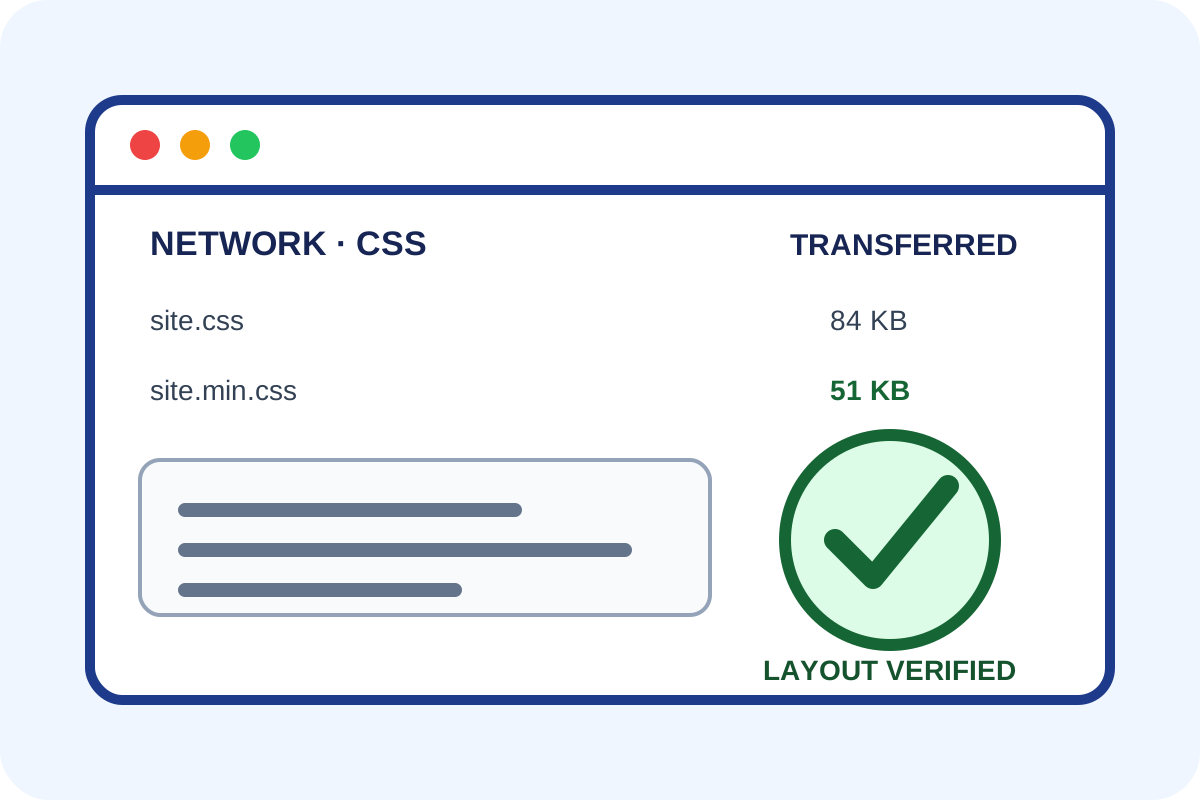
Simple browser check
- Open the page in a private window and DevTools → Network.
- Enable Disable cache, reload and select the CSS filter.
- Save asset URLs, Size/Transferred values and a screenshot.
- Open each first-party file; minified output normally has little whitespace.
- Test menus, forms and responsive layouts on the same representative pages used before.
How to classify the result
| Situation | Level | Action |
|---|---|---|
| CSS is smaller, returns 200 and the interface matches | No issue | Save sizes and screenshots. |
| CSS is formatted but potential savings are small | Minor | Balance benefit against risk and cost. |
| Old heavy CSS loads alongside the new build | Critical | Repair references and caching. |
| Styling breaks or the asset returns an error | Critical | Roll back and inspect the build. |
Independent check
Test the exact URL in PageSpeed Insights and inspect the CSS minification diagnostic when present. Results describe that run, so retain the link and date.
curl -sS -o /dev/null -w '%{http_code} %{size_download}\n' \
  https://example.com/css/site.min.css
curl -sS https://example.com/css/site.min.css | wc -cWhy measurements differ
DevTools can show content size and network transfer size; Brotli/Gzip reduces transfer further. Caching, CDNs and different page versions also change numbers. Compare the same URL, conditions and column.
Any automated price applies only to the scope stated on the service page, not every domain, theme or third-party asset. Use the step-by-step guide for your own changes.
