Check click outcome and HTML role
Find fake links and infinite URL spaces
Start with keyboard and browser checks: real navigation needs an address, while an action needs an appropriate button. Then crawl to see whether filters, calendars and parameters generate unbounded combinations.
Simple check
- Tab through the page and note every interactive element.
- For each, determine whether it opens an address or changes current-page state.
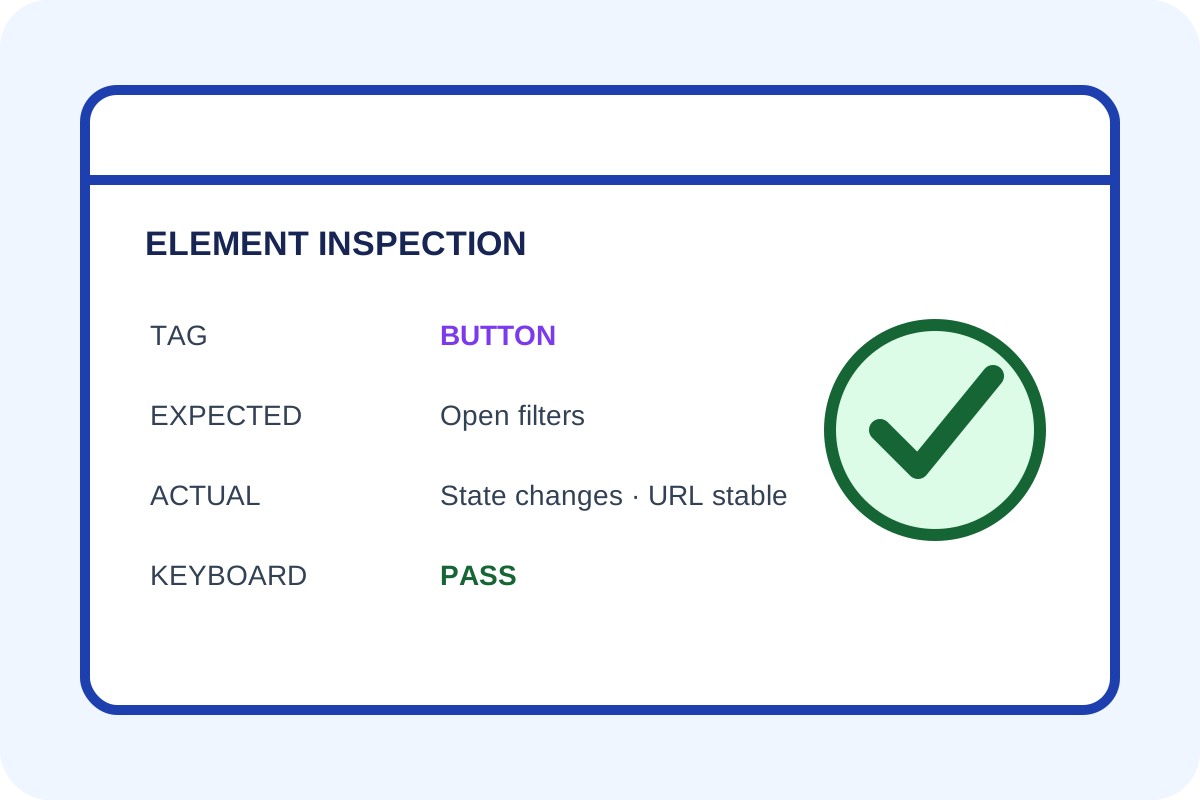
- Use Inspect to review tag,
href,type, name and ARIA state. - Activate with mouse and keyboard and save the resulting URL or interface change.
- Repeat on an adjacent page to determine whether the issue is template-wide.
How to classify a finding
| Situation | Level | Action |
|---|---|---|
| A link opens useful content and a button performs an action | Normal | Check accessible name and focus. |
href="#" or javascript: opens interface state | Semantic error | Use a button. |
| A filter generates many low-value duplicate URLs | Crawl issue | Control URL space. |
| Useful content is reachable only through a JS action | Access lost | Restore a normal link. |
tel:, mailto: or useful PDF | Not automatically wrong | Review purpose and label. |
Technical check
[...document.querySelectorAll('a, button')].map(el => ({
  tag: el.tagName, text: el.textContent.trim(),
  href: el.getAttribute('href'), type: el.getAttribute('type')
}));
Use a crawler separately to compare unique parameter URL counts by template. One example does not prove an infinite space.
Discrepancies and scope
JavaScript may replace the DOM after load, while a non-rendering crawler sees different markup. Inspect both source and rendered HTML. nofollow alone does not repair the wrong element or guarantee that crawling stops.
Any automated price applies only to templates on the service page. Follow the step-by-step guide for changes.
