Replace fake links with the correct controls
Do not hide every “unimportant” link with nofollow. Determine whether each element navigates, performs an action or creates a parameter URL, then repair the shared component with a backup.
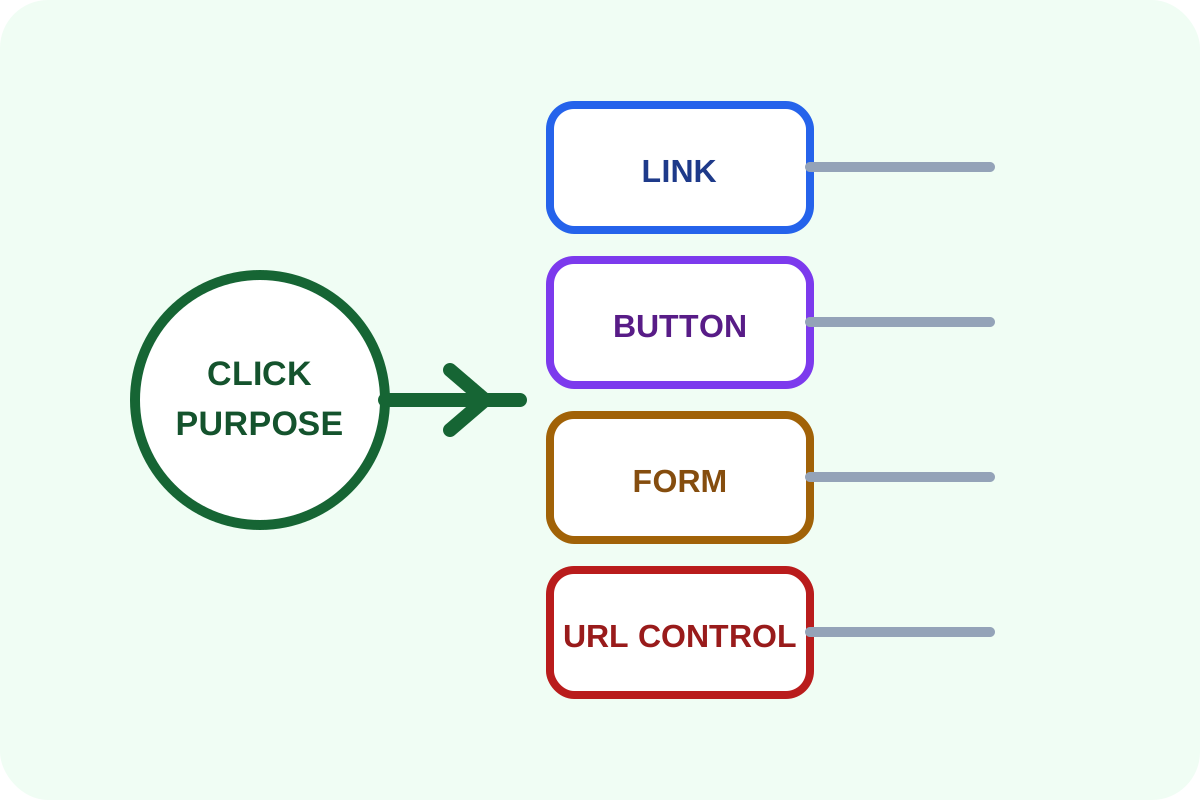
Message for a developer
“Save templates and export clickable elements. Classify each type as navigation, contact, download, state change or URL generation. Keep real destinations as links, implement actions as buttons or forms, and control infinite parameters at generation and crawl level. Do not replace everything with JavaScript or blanket nofollow. Test keyboard use, analytics and adjacent pages.”
What to prepare
- a Git branch or template and database backup;
- examples of every clickable element type;
- valuable filters and approved landing pages;
- form, dialog, download and contact scenarios.
Step-by-step repair
- Export links with a crawler and inspect button-like controls in the browser.
- Record the expected click result for every recurring type.
- If independent content has an address, retain a normal link.
- If interface state changes, use
<button type="button">with an accessible name. - For data submission, use a form and correct
button type="submit". - For filters and calendars, approve a finite indexable URL set and control infinite combinations.
- Publish, clear caches, test mouse, keyboard, phone and analytics, then recrawl.
Markup example
<a href="/en/delivery">Delivery terms</a>
<a href="tel:+10000000000">Call us</a>
<button type="button" aria-controls="filters"
        aria-expanded="false">Filters</button>
<button type="submit">Apply</button>
A link needs a real href. Avoid href="#" and javascript:void(0) as button substitutes.
Risks, rollback and separate work
A faulty condition can remove valuable filters or break forms and analytics. On failure, restore the component, clear caches and compare scenarios with the checklist.
Use the verification guide afterwards. Faceted architecture, canonical, robots.txt, indexation and JavaScript application redesign are separate work. For a complex CMS, order the repair.
