Repair HTTP resources without losing features
Collect exact URLs from the browser, save a backup and test the HTTPS version of every source. Repair the template, CSS or CMS data, then test the complete page.
Message for a developer
“Save a backup and the mixed-content requests from Console and Network. Verify availability and correctness of HTTPS for each URL, then repair the source in templates, CSS, JavaScript or CMS data. If HTTPS is unavailable, propose licensed local hosting, a new provider or removal. Afterwards test Console, forms, media, analytics and mobile layout.”
What to prepare
- file, database and CDN-configuration backups;
- representative pages and user actions;
- staging access and a rollback method;
- licence terms for external images, fonts and scripts.
Step-by-step repair
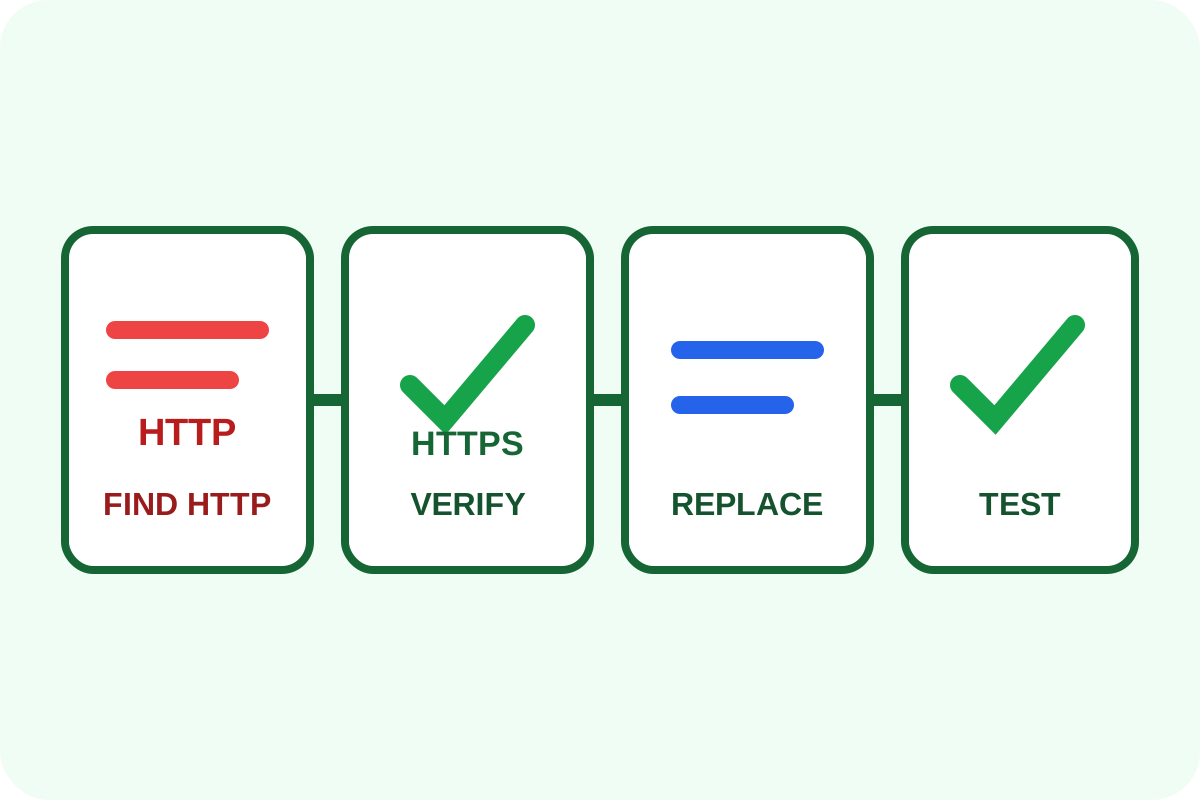
- Open the HTTPS page privately and record Mixed Content messages in Console.
- Filter Network for
http:and save affected URLs. - Find each origin: HTML,
srcset, CSSurl(), JavaScript, database, widget or redirect. - Open the HTTPS alternative directly and check status, certificate, type and content.
- Replace the URL at its source. Prefer relative or HTTPS URLs for owned domains.
- If no safe version exists, host a permitted asset locally, switch provider or remove the dependency.
- Clear caches, repeat checks and run key desktop/mobile scenarios.
Where to search
rg -n "http://" resources/ public/ app/
curl -I https://cdn.example.com/asset.js
Also inspect escaped JSON URLs, database values and generated CSS/JS. An HTTP redirect may appear after an HTTPS URL was requested.
Risks and rollback
Blind replacement can fetch a different asset or break CORS, SRI, licensing or APIs. On failure, restore the backup, clear caches and reinstate the old provider until a safe equivalent is ready.
Use the verification guide afterwards. Certificate issuance, widget migration, CSP and CORS setup are separate work. For complex integrations, order the repair.
