Markup, file, rendering, and crawling
How to Audit a Favicon
Check more than image presence: the browser must choose the intended file, fetch it with the correct MIME, and render a recognizable mark across surfaces.
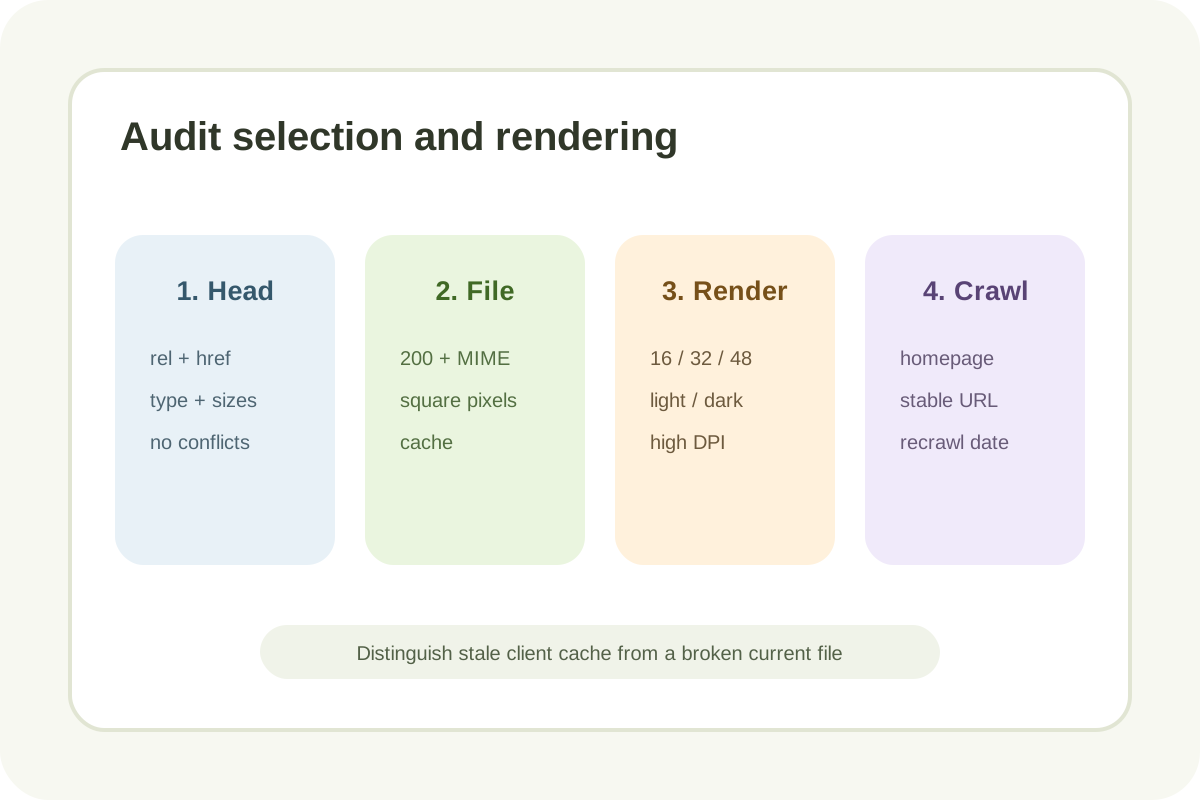
Audit steps
- In View Source, collect
link[rel~="icon"], apple-touch-icon, and manifest; identify duplicates/conflicts. - Open every URL: final 200, image MIME, declared/actual square dimensions, transparency, and cache headers.
- In Network, confirm which file the browser requests after hard reload/private profile.
- Visually inspect 16/32/48 px, light/dark tabs, bookmarks, high DPI, and mobile shortcuts.
- Validate manifest JSON/icons/purpose only when the site uses PWA/install.
- For Search, verify crawlable homepage/icon, square ≥8×8 (preferably >48×48), stable URL, and recrawl date.
Classification
| Observation | Level | Action |
|---|---|---|
| One coherent set, 200 files, readable mark | No issue | Preserve baseline |
| Legacy duplicate does not affect selection | Low | Remove during cleanup |
| Wrong sizes/MIME, blur, poor contrast, or stale link | High | Repair export/head/cache |
| No icon, 404/blocked, non-square/stretch, or manifest breaks install | Critical | Restore a working set |
Evidence to save
- Homepage URL, server head, and icon-link order.
- Icon URL, rel/type/sizes/purpose, status/MIME/cache, and actual dimensions.
- Browser/OS/surface screenshots with date and scale.
- Manifest validation and maskable safe-zone when PWA applies.
- Crawl access, recrawl date, owner, and retest.
Old browser/Search cache does not prove the new file is wrong. Root /favicon.ico may be used as fallback without a link. Clients select different resources, and Search may omit a favicon even when requirements are met.
Next step
Follow the guide or use the icon-set creation and implementation service.
