One mark, several purposes
How to Configure a Favicon
Prepare a simple square mark, export only required variants, and connect them explicitly through head/manifest while keeping stable URLs.
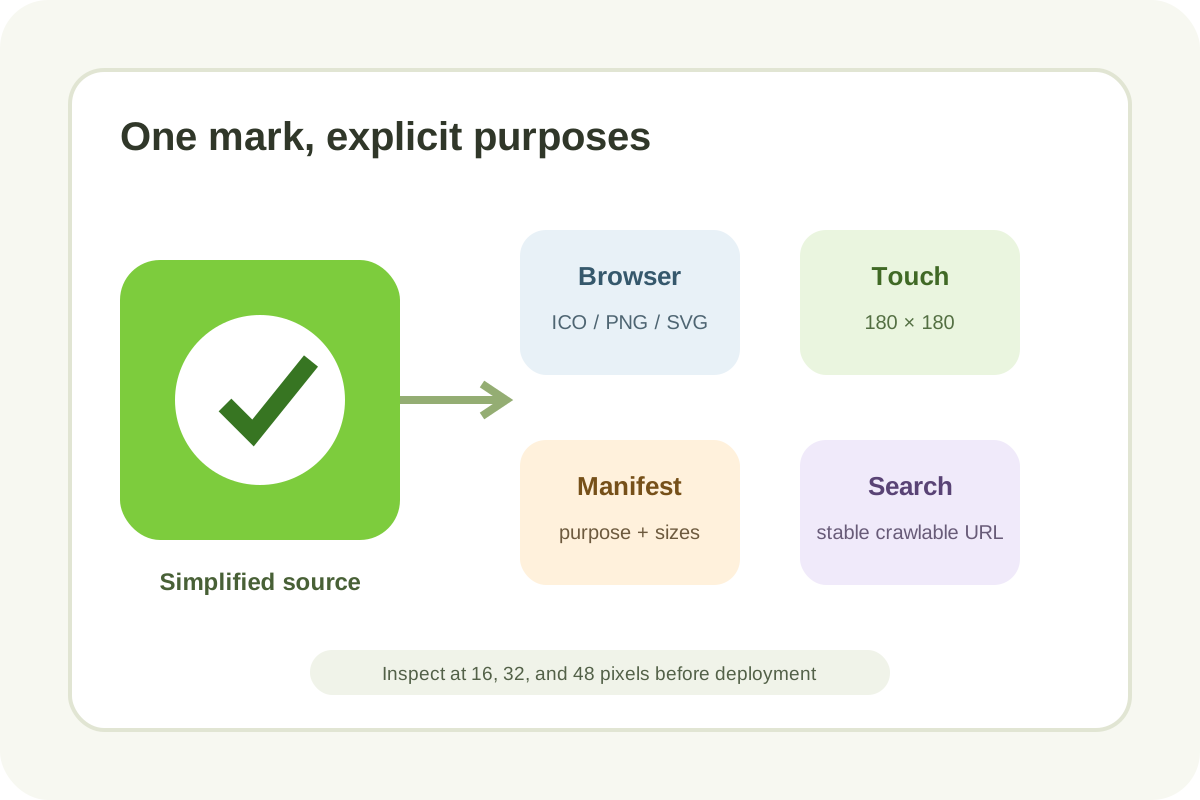
Implementation steps
- Back up current files/head/manifest and capture tab, bookmark, and mobile-shortcut screenshots.
- Simplify the mark: bold silhouette, contrast, minimal details/text; inspect at 16, 32, and 48 px.
- Prepare square PNG/ICO and, when needed, SVG, apple-touch, and manifest icons; do not stretch a non-square logo.
- Add early
linkelements to the serverheadwith accuraterel,type,sizes, and URLs. - For an installable web app, validate manifest JSON,
purpose, and maskable safe zone; do not add a manifest merely for a tab icon. - Ensure homepage and icons are crawlable, URLs stable, responses 200, MIME correct, and cache versioning intentional.
- Purge relevant cache, inspect browsers/devices, and request homepage recrawling.
Head example
<link rel="icon" href="assets/favicon.svg" type="image/svg+xml" sizes="any">
<link rel="icon" href="assets/favicon-32.png" type="image/png" sizes="32x32">
<link rel="icon" href="assets/favicon.ico" sizes="32x32">
<link rel="apple-touch-icon" href="assets/apple-touch-icon.png" sizes="180x180">
<link rel="manifest" href="site.webmanifest">
The set depends on support and product needs; do not copy lines without matching files. For Google Search, use a square at least 8×8, preferably larger than 48×48, at a stable URL.
Do not confuse favicon with logo
A favicon must survive at tiny sizes. Full wordmarks, thin lines, and text often become unreadable, so use an adapted mark.
Rollback and control
If the icon disappears, restore previous links/files, inspect exact URL/MIME, and purge browser/CDN cache. Avoid renaming URLs repeatedly. Finish with the independent audit.
