Inspect markup and reserved space
Find images missing dimensions and related shifts
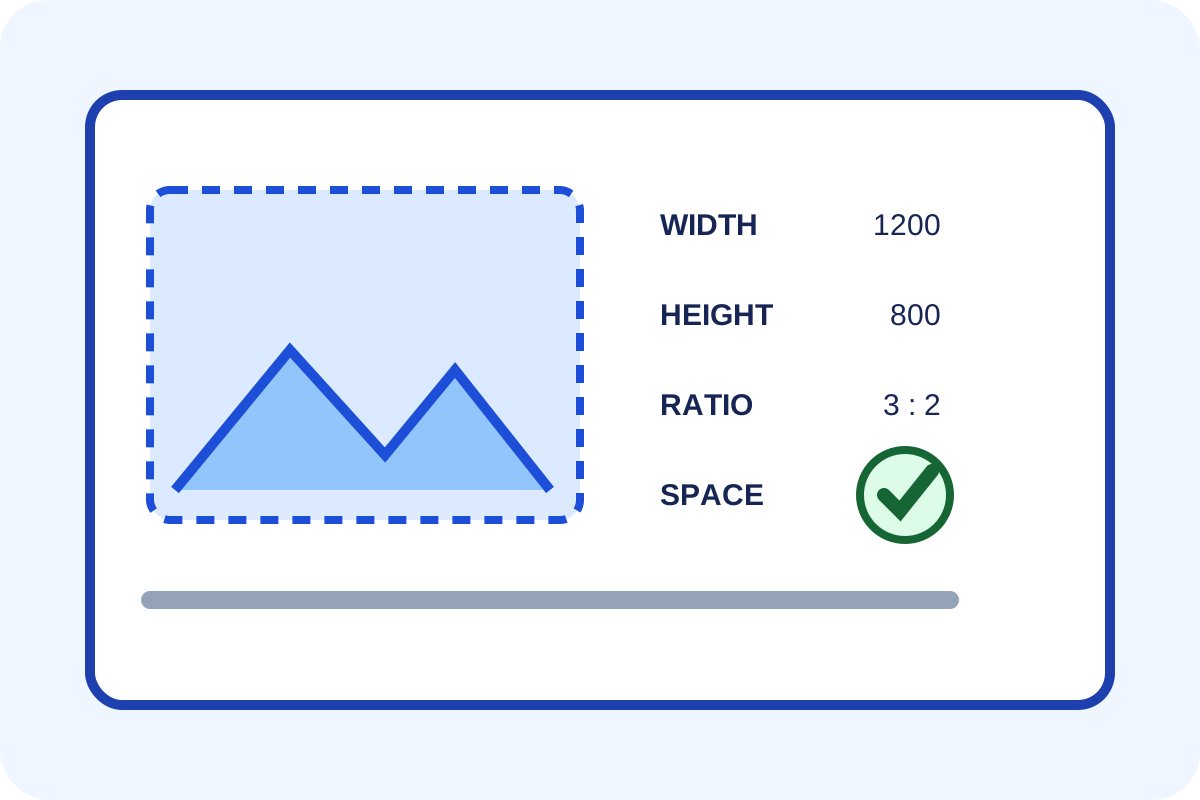
Count img elements missing either attribute, then block images and reload. A good result preserves proportional empty regions and does not move adjacent content after files arrive.
Simple check
- Open DevTools → Elements and locate every
imgon a representative page. - Confirm numeric, unitless
widthandheightattributes. - Compare their ratio with the loaded file's
naturalWidth/naturalHeight. - Block image requests in Network, disable cache and reload.
- Confirm space remains on desktop and mobile without horizontal scrolling.
- Save URL, element HTML, file dimensions and before/after screenshots.
How to classify the result
| Situation | Level | Action |
|---|---|---|
| Both attributes, correct ratio and reserved space | No issue | Check other templates. |
| One or both attributes are missing | CLS risk | Add both from source data. |
| Attributes exist but ratio disagrees | Wrong space | Correct dimensions or container. |
| Image is sized but another block shifts the page | Different CLS cause | Inspect fonts, ads and late insertions. |
| Fixed CSS creates horizontal scrolling | Mobile regression | Restore responsive rules. |
Technical check
[...document.images].map(img => ({
  src: img.currentSrc,
  attr: [img.getAttribute('width'), img.getAttribute('height')],
  natural: [img.naturalWidth, img.naturalHeight]
}));
Record Performance with Layout Shifts enabled. One Lighthouse CLS score does not identify causes across all templates, so retain specific elements and URLs.
False positives and scope
An SVG with a correct viewBox, CSS background and container using aspect-ratio need separate evaluation. A source scanner may miss server- or JavaScript-generated dimensions, while one DOM check does not cover other pages.
Any automated price applies only to templates on the service page. Follow the step-by-step guide for repairs.
