Inspect the file actually delivered
How to audit image formats
DevTools reveals the selected URL, MIME type and transfer size. Pair the technical check with a visual comparison, fallback test and desktop/mobile review.
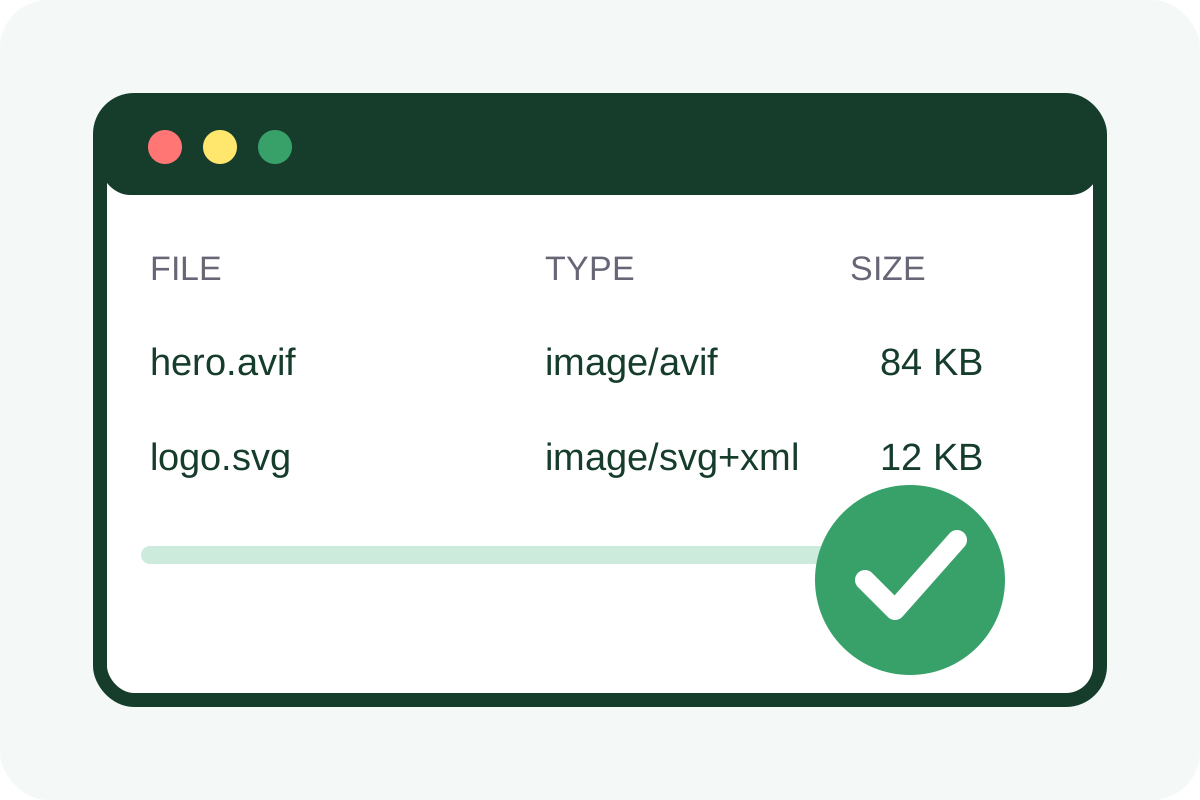
Quick browser check
- Open a representative page and DevTools → Network, enable Disable cache and reload.
- Select Img. Record Request URL,
Content-Type, Transferred and Resource Size. - Select the
imgin Elements and run$0.currentSrcin Console to see the chosen URL. - Compare with the source at real display size: text, faces, gradients, transparency and animation.
- Repeat at a narrow viewport and confirm mobile does not receive an oversized asset.
How to rate findings
| Observation | Rating | Action |
|---|---|---|
| Variant is smaller and visually sound | Good | Record the result |
| AVIF/WebP exists but fallback is always delivered | Medium | Check source, type, Accept and cache |
| New file is larger or visibly degraded | High | Re-encode or keep the original |
| 404, lost transparency or broken animation | Critical | Restore fallback before release |
Whole-page inspection
[...document.images].map(img => ({ currentSrc: img.currentSrc, natural: [img.naturalWidth, img.naturalHeight], rendered: [img.clientWidth, img.clientHeight] }))This finds actual URLs and excessive intrinsic dimensions. Read weight and MIME type from Network.
False conclusions and scope
- An extension may not match the payload; inspect
Content-Type. - A CDN may negotiate from
Accept, so browsers can receive different responses. - Cache can conceal changes; repeat measurements without cache.
- Estimated lab savings are not the actual control-page gain.
- Format checks do not validate
alt, cropping, licensing, LCP priority or responsive markup.
Use the repair guide; template implementation is covered by the service.
