How to audit CLS and layout shifts
Field data shows the real-world scale while Chrome Performance identifies the cluster, timing and elements to repair. Test load and long sessions separately on mobile and desktop.
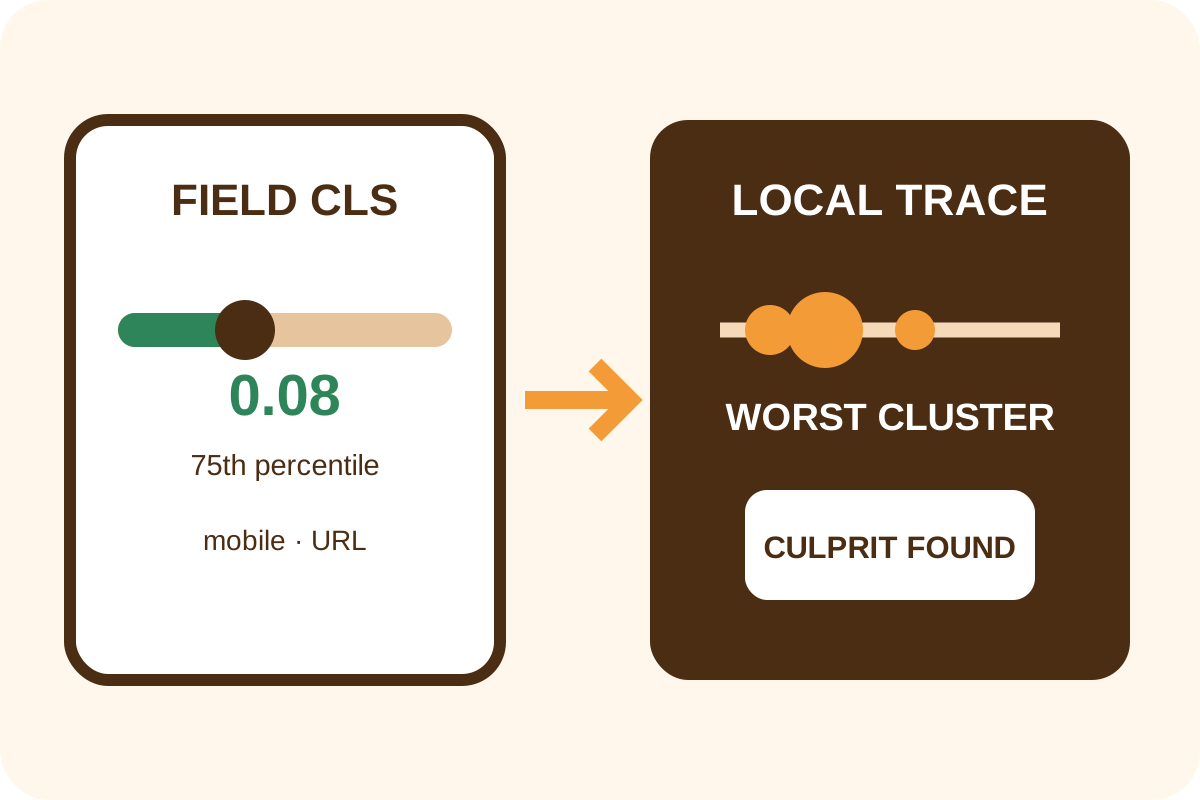
Quick independent check
- Open PageSpeed Insights or Field metrics in Chrome Performance for the exact URL.
- Select mobile and desktop. Record URL/origin scope, period and 75th-percentile CLS.
- In a clean profile use Performance → Record and reload with throttling and the target viewport.
- Select the highest-scoring cluster in Layout shifts, then each diamond; save affected nodes and potential culprit.
- Record a separate post-load journey: scroll, consent, popup, carousel, form and messages.
- Enable Layout Shift Regions in Rendering and repeat the shift for visual confirmation.
How to rate the metric
| 75th-percentile CLS | Rating | Action |
|---|---|---|
| ≤ 0.10 | Good | Test late journeys and preserve baseline |
| > 0.10 and ≤ 0.25 | Needs improvement | Start with worst cluster |
| > 0.25 | Poor | Prioritize cause discovery and repair |
The threshold applies to the field distribution, typically at the 75th percentile. A local recording is a diagnostic example, not a substitute for real-user data.
What the trace means
Shift score depends on affected viewport area and movement distance. Nearby events are grouped into session windows/clusters; page CLS uses the largest cluster rather than summing every movement in an unlimited session.
An affected node may have been moved by another block above it. Potential culprit is a lead that must be confirmed using timing, DOM and removal of the suspected cause.
Discrepancies and false conclusions
- Field and lab differ because of devices, networks, cache, personalization and session duration.
- When URL data is insufficient, the tool may show origin data; do not present it as URL-specific.
- A shift within 500 ms of recent input can have
hadRecentInputand be excluded from CLS. - Scroll alone does not exclude a shift; late insertion during scrolling can count.
- Autoplay carousels, font swap, ad refresh and SPA navigation require post-load recording.
- One local zero does not prove every template and state is stable.
Automated pricing applies to one agreed cause and templates on the service page. Use the step-by-step guide for repairs.
