How to reduce CLS yourself
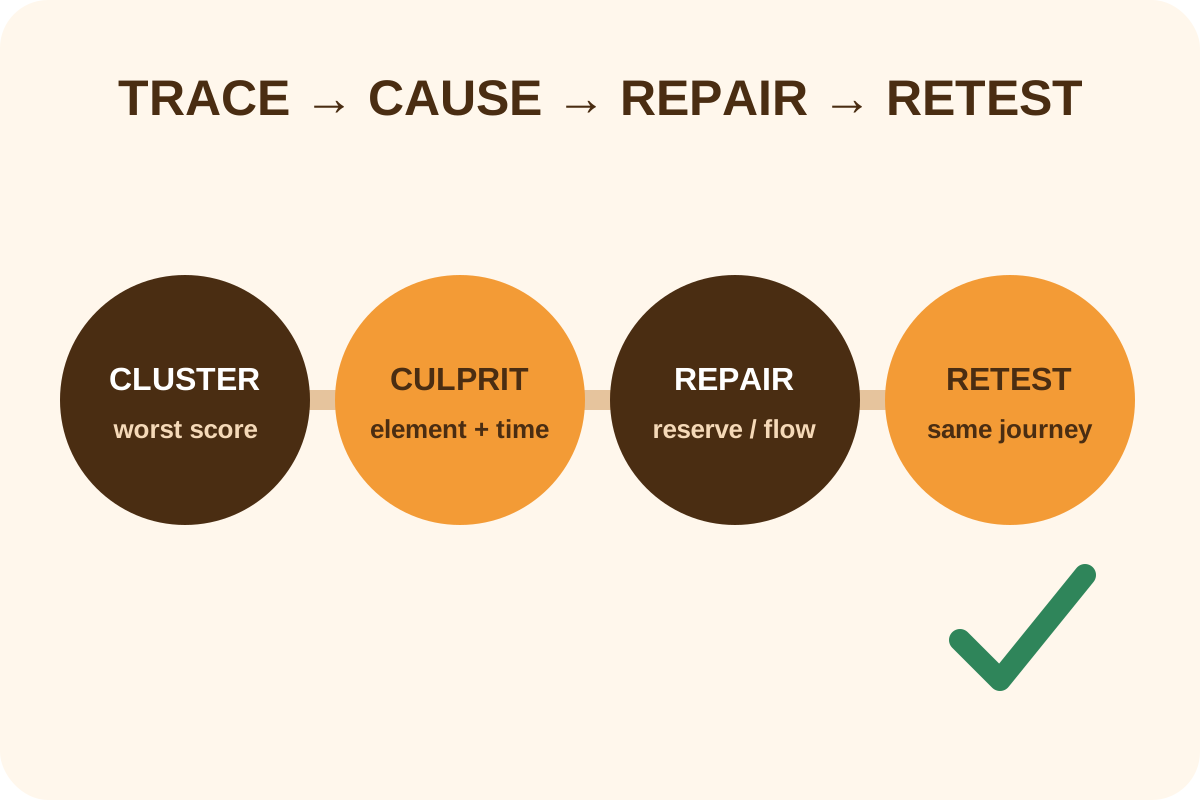
Record load and a full journey in Chrome Performance, select the largest cluster, and identify moved elements and potential culprits. The repair pattern depends on the shift's cause.
The safest route
Message for a developer
“Record Performance on the affected mobile/desktop URL during load and actions, find the worst Layout Shifts cluster, moved elements and culprit. Repair the shared cause: intrinsic size/aspect-ratio, reserved ad/embed slot, stable font fallback, space for injected content or transform animation. Repeat the same trace and do not mask it with a fixed height without responsive testing.”
Back up templates/CSS and preserve the trace, screenshots and control actions. Change one cause at a time so the score change remains attributable.
Diagnosis and repair steps
- Inspect field CLS for URL and origin separately on mobile/desktop; record period and 75th percentile.
- Use Record and reload in Performance, then record the full journey: scroll, consent, forms, disclosure controls and carousel.
- Open Layout shifts, select the highest-scoring cluster and inspect each shift, affected nodes and potential culprit.
- Reproduce with disabled cache, throttled network and Layout Shift Regions; capture moved from/to.
- Repair the earliest shared source, not an element that merely moved below it.
- Repeat identical recordings and adjacent templates; test responsive layout, keyboard and zoom.
- Monitor field data after release: CrUX aggregates over time and cannot change immediately.
Repair by cause
| Cause | Repair | Verify |
|---|---|---|
| Image/video/iframe lacks space | width/height, aspect-ratio, stable container | Space exists before media request |
| Ad/embed has unknown height | Reserve minimum slot and support empty state | No collapse when ad is absent |
| Web font changes text metrics | Match fallback and font metric overrides; review display | Lines do not jump after swap |
| Cookie/banner/message inserted above | Overlay or reserve area from first frame | Late insert does not push content |
| Animation changes top/height | transform/opacity where suitable | No unexpected layout-shift events |
Technical observation
new PerformanceObserver(list => {
  for (const entry of list.getEntries()) {
    if (!entry.hadRecentInput) {
      console.log(entry.value, entry.startTime, entry.sources);
    }
  }
}).observe({ type: 'layout-shift', buffered: true });
This helps reproduce shifts but does not calculate a user's field CLS by itself and is not equally available in every browser. The primary evidence is a Performance trace with cluster context.
Expected movement is not automatically good UX
A shift shortly after input may be excluded from CLS, yet a moving button, late accordion or abrupt scroll can still interfere. Test task completion separately from the score.
Rollback and scope
If content overflows, clips or breaks responsive layout, restore the prior template/CSS and purge affected cache. Do not leave a huge empty slot merely to obtain zero CLS. Perform the independent audit afterwards.
Bulk image dimensions, font optimization, ad-platform changes, redesign and other Core Web Vitals are separate scopes.
