How to enable Gzip or Brotli safely
Identify the server, CDN and actual MIME types first. Then enable negotiated compression only for suitable responses and verify Vary, identity fallback and server impact.
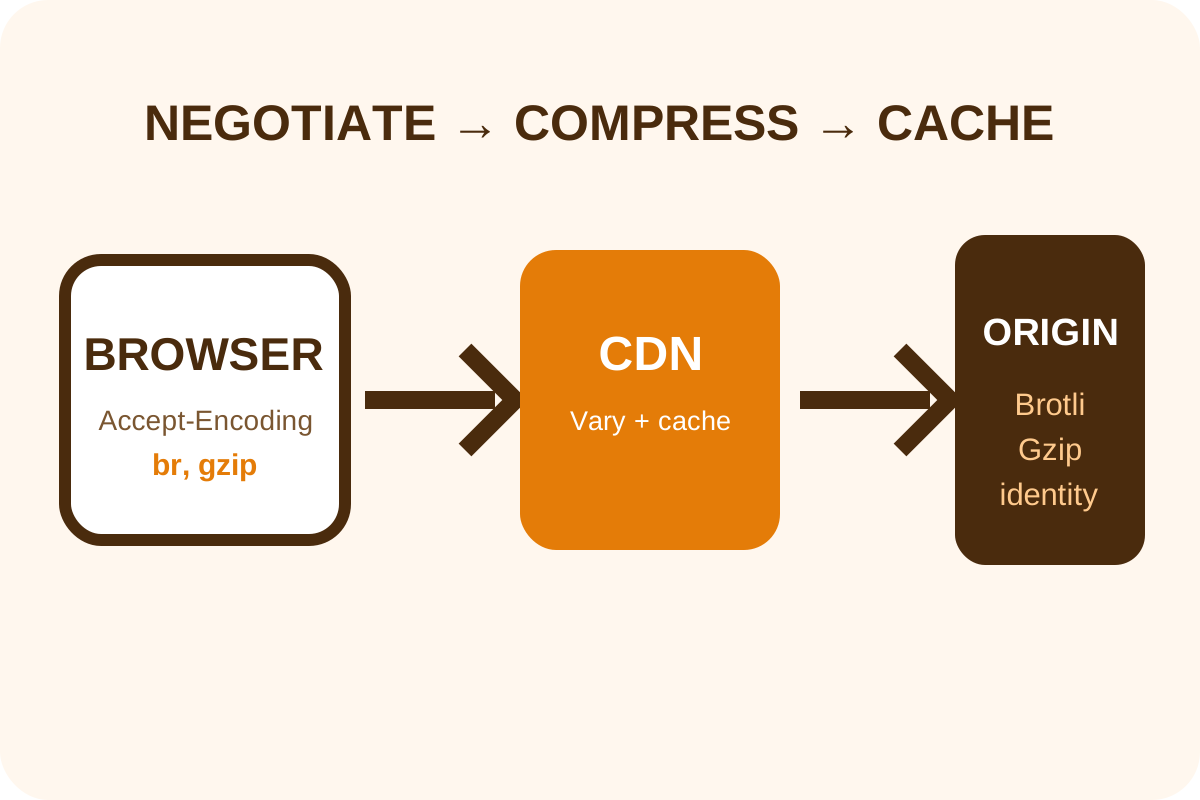
The safest route
Message for hosting or a developer
“Enable negotiated Gzip and available Brotli for HTML, CSS, JavaScript, JSON, XML and SVG at the public delivery layer. Do not recompress images, video or archives. Verify Content-Encoding, Vary: Accept-Encoding, Content-Type, Accept-Encoding and identity responses, CDN caching and before/after size.”
Back up virtual-host/.htaccess configuration, CDN export and current headers for control URLs. Confirm a configuration test and quick rollback command before reloading a service.
Implementation steps
- Inspect DNS and headers to determine whether origin responds directly or through a CDN/reverse proxy.
- Sample HTML, CSS, JS, JSON and SVG with correct
Content-Type; mark tiny and personalized responses. - Choose one controlling layer. Avoid conflicting rules in the application, Apache, Nginx and CDN.
- Enable Gzip for text MIME types with a reasonable minimum size and moderate CPU level.
- If the CDN/server supports Brotli, enable it with Gzip fallback and verify the real response.
- Set
Vary: Accept-Encodingand purge affected cache so variants cannot mix. - Test with
br, gzip, Gzip only andidentity; compare content and size. - Monitor CPU/latency and repeat tests for desktop/mobile and dynamic HTML.
Configuration examples
Nginx
gzip on;
gzip_vary on;
gzip_min_length 1024;
gzip_comp_level 5;
gzip_types text/plain text/css application/javascript
           application/json application/xml image/svg+xml;
Run nginx -t before the system's safe reload command.
Apache / .htaccess
<IfModule mod_deflate.c>
  AddOutputFilterByType DEFLATE text/html text/plain text/css
  AddOutputFilterByType DEFLATE application/javascript application/json
  AddOutputFilterByType DEFLATE application/xml image/svg+xml
</IfModule>
Hosting must confirm the module and directive permissions. Configure Brotli separately when available.
Risks and rollback
| Symptom | Likely cause | Action |
|---|---|---|
| Browser displays corrupted text | Double compression or wrong header | Disable duplicate filter and purge cache |
| Gzip at origin but not publicly | CDN changes or caches response | Repair edge configuration and purge |
| CPU/TTFB rises | Level too high or responses too small | Lower level, add threshold/precompression |
| Variants mix | Incorrect Vary | Add header and clear shared cache |
To roll back, restore configuration, test syntax, reload safely and purge only affected cache. Review BREACH risk separately for TLS responses combining secrets with reflected input. Perform the independent audit after release.
