Methodology: This check follows wSEO methodology 1.1. How the assessment works
Independent CSS check
Compare the error total with the official W3C CSS Validator
Our audit uses genuine CSS errors only. The official validator retains the complete list of files, lines and explanations so the result can be checked independently.
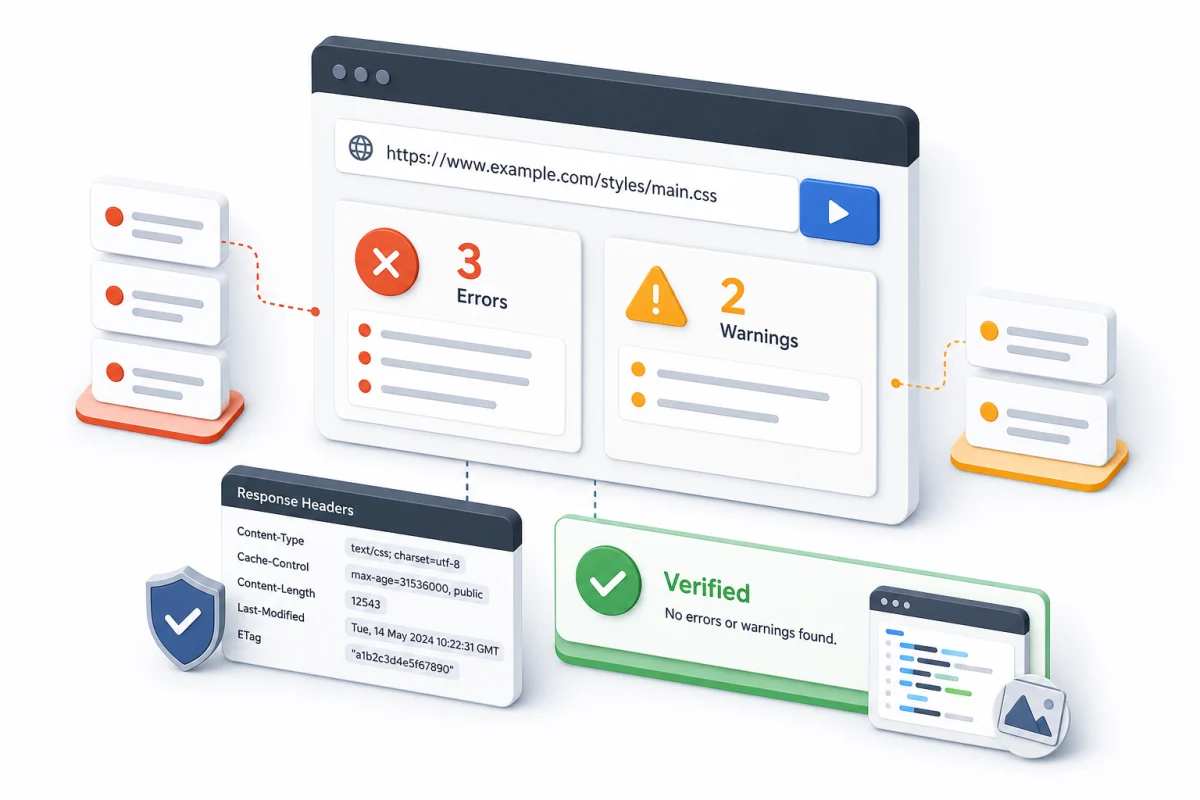
Browser check
- Open the official W3C CSS Validator.
- Select validation by URL and enter the complete canonical address.
- Select the CSS level 3 + SVG profile.
- Disable warnings or ignore the Warnings section.
- Run the validation and save the number under Errors.
What to count
| Result | Meaning | Our price |
|---|---|---|
| Errors | Genuine CSS errors | Yes |
| Warnings | Warnings and recommendations | No |
| HTTP 200 | The validator's response status | Not an error count |
| Other code types | HTML, JS, PHP and server | Separate |
Response-header check
curl -sS -D - -o /dev/null --get \
  "https://jigsaw.w3.org/css-validator/validator" \
  --data-urlencode "profile=css3svg" \
  --data-urlencode "warning=no" \
  --data-urlencode "output=text" \
--data-urlencode "uri=https://example.com/"Scope and evidence
Save the exact URL, result link or screenshot and the Errors total. One page exposes only the styles linked from it; separate templates and stylesheets require representative URLs.
The automatic price covers the submitted page. Our report links to W3C rather than duplicating the complete error list.
