Safe CSS repair
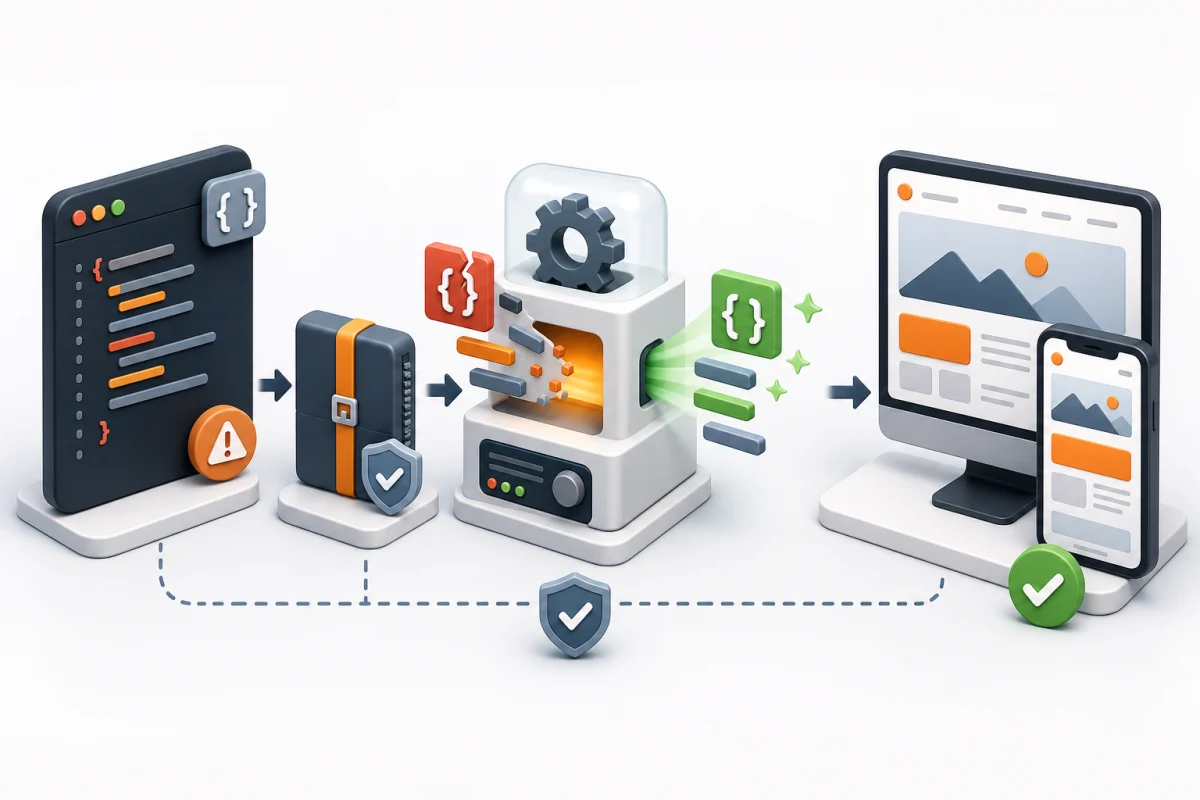
Repair the source style and test the result on different screens
The easiest route is to send the validator report to the developer or CMS support team. If you make the repair yourself, create a backup first and do not blindly edit a minified file.
Message for the developer
Hello,
Please test the canonical URL in W3C CSS Validator.
Repair the items in the Errors section.
Warnings do not need to be repaired.
Edit the source CSS/SCSS/LESS,
then rebuild and validate again.Technical sequence
- Start with the first error; one missing brace may cause later messages.
- Use the file, line, selector and property to find the source style.
- Check braces, colons, semicolons, property names and values.
- For SCSS/LESS, repair the source and run the normal build.
- Revalidate after each small group of changes.
- Test navigation, forms, buttons, pop-ups,
hoverandfocuson desktop and mobile.
Keep the error from returning
A generated-file edit disappears at the next build, and a third-party theme edit may disappear after an update. Use source SCSS/LESS/CSS, a child theme or supported override. If the source belongs to a third-party product, report the error to its developer.
Do not remove a rule merely for a green report
First identify which element and browser uses it. W3C warnings are outside this service; HTML, JavaScript, PHP and server errors are also separate.
After the change, perform an independent CSS check.
