Configure outbound links without blanket nofollow
Inventory external destinations, determine the editorial or commercial relationship and change shared templates only after approval. A useful ordinary link needs no restriction merely because it points to another domain.
Message for a developer
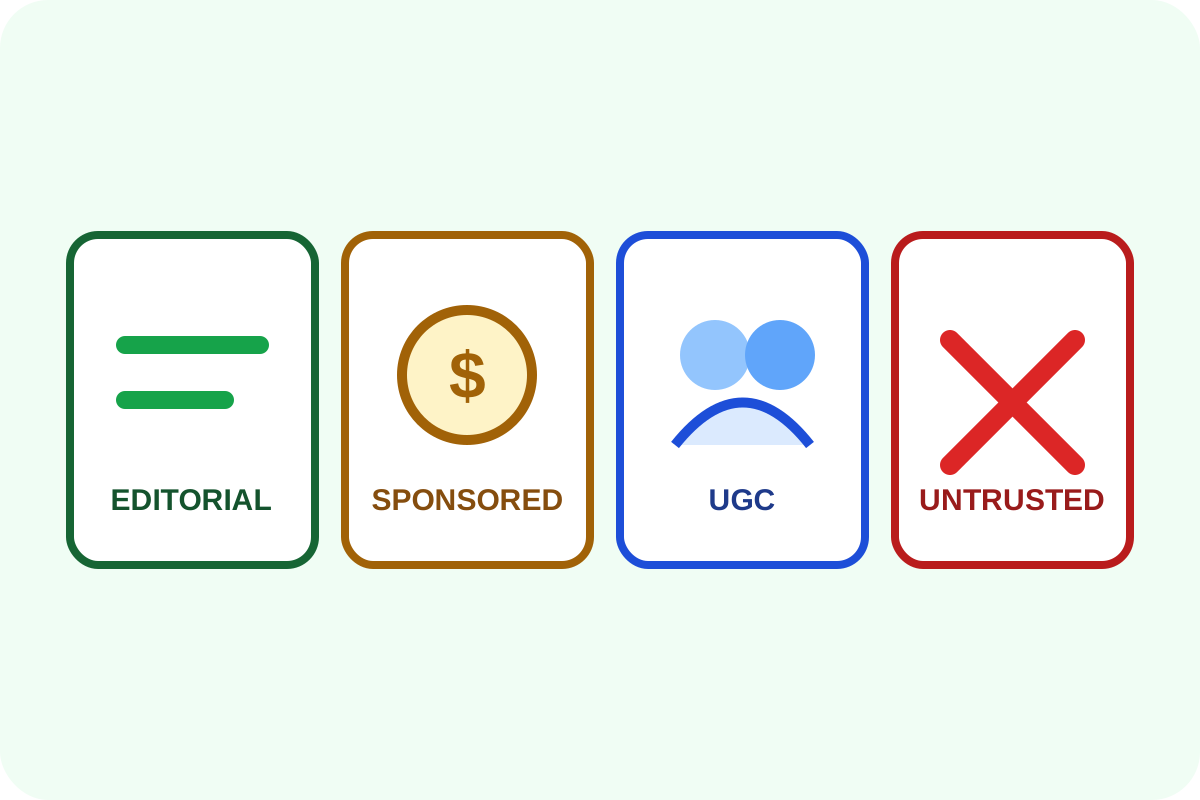
“Export external links with source URL, anchor, destination, rel and target. Classify editorial, advertising, affiliate, UGC and suspicious links with the owner. Do not apply nofollow to every external URL. Check noopener for new tabs, then crawl again and test destinations.”
What to prepare
- a backup of templates and content data;
- advertising, affiliate and paid-placement lists;
- comment and profile moderation rules;
- representative pages and approval to remove disputed links.
Step-by-step
- Collect external
<a href>elements with a crawler or CMS export. - Review destinations, redirects, anchor text and placement.
- Leave useful unpaid editorial sources as ordinary links.
- Add
sponsoredto advertising and affiliate links andugcto user-added links. - Consider
nofollowfor an untrusted but reader-useful destination; remove unnecessary or harmful links. - Use
target="_blank"only intentionally and checknoopener. - Publish, clear caches, crawl again and manually test each category.
Markup examples
<a href="https://source.example/">Primary source</a>
<a href="https://partner.example/" rel="sponsored">Partner</a>
<a href="https://user.example/" rel="ugc nofollow">Profile</a>
<a href="https://docs.example/" target="_blank" rel="noopener">Document</a>
Compare values with Google's official guidance and MDN's noopener reference.
Risks, rollback and separate work
Bulk edits can affect affiliate tracking, analytics and user content. On error, restore the template or data backup and validate the register again.
Follow the verification guide. Compromise recovery, legal advertising disclosure, spam moderation and external-image replacement are separate tasks. For a large inventory, order the review.
