One page object, one property set
How to Add Open Graph
Generate OG data server-side from each template's fields, provide safe fallbacks, and inspect the resulting preview after rescanning.
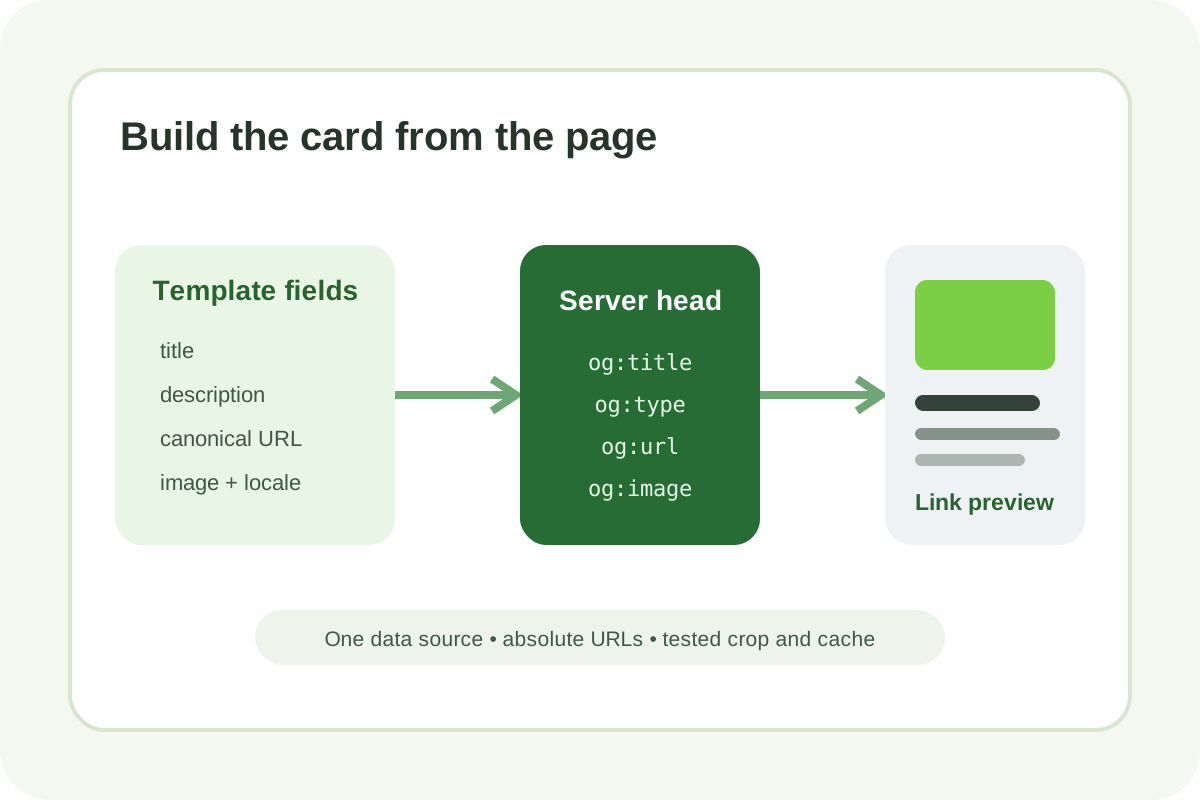
Implementation steps
- Create a template matrix: homepage, category, product/service, article, and system pages.
- For each, define title, description, canonical URL, image, type, and empty-field fallback sources.
- Render one meta set in the server-generated
head; do not rely on post-load JavaScript. - Use absolute HTTPS URLs without tracking parameters or redirects; align
og:urlwith canonical. - Prepare a relevant, crop-safe image; ensure status 200, an image MIME type, and access without cookies, login, or robots blocking.
- Add image width/height/type/alt and locale/site_name when the data is accurate.
- Purge HTML/CDN cache, request rescanning, and test one URL per template.
Minimal example
<meta property="og:title" content="Page title">
<meta property="og:type" content="article">
<meta property="og:url" content="https://example.com/article">
<meta property="og:image" content="https://example.com/media/article.jpg">
<meta property="og:description" content="Short article summary">
<meta property="og:image:width" content="1200">
<meta property="og:image:height" content="630">
<meta property="og:image:alt" content="Image description">
Place structured image properties after their corresponding og:image. Escape user values so quotes or HTML cannot break the head.
Do not use one card site-wide
A generic title/logo hides a product or article's meaning. Fallback is for absent local fields, not a substitute for template generation.
Verification and rollback
- View Source contains exactly one of each core property.
- URLs are crawler-accessible without a session and do not redirect.
- The card remains clear in wide and square crops.
- RU/EN pages have their own title/description/URL/locale.
- Canonical, title, robots, and Schema.org remain intact.
If crawlers lose access or previews become wrong, restore the template/head backup, purge cache, and repeat one field at a time. Then run the independent audit.
