Verify both speed and behavior
How to audit deferred JavaScript
Source HTML reveals attributes, Network shows loading, Performance shows execution, and functional tests reveal lost user actions. One green audit is not sufficient evidence.
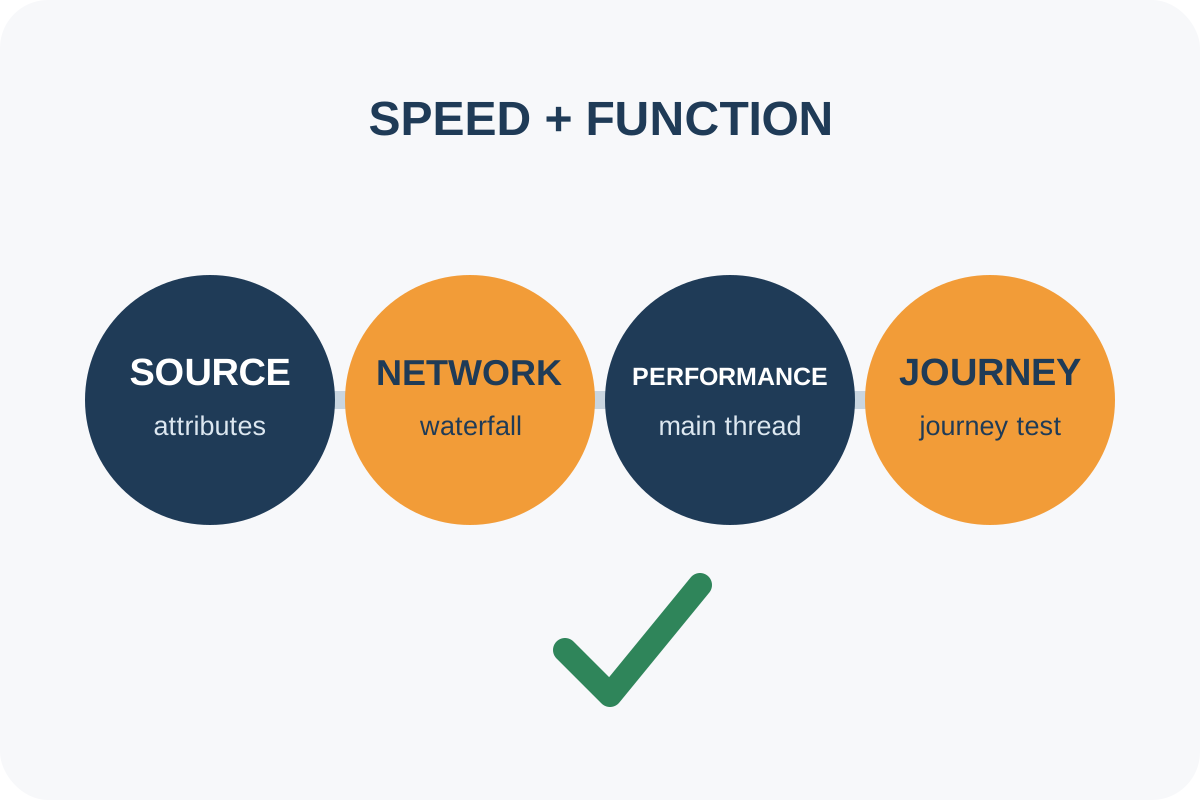
Quick check
- View page source and find external
script srctags insidehead. - Mark classic tags without
defer,asyncortype="module"; these are candidates, not automatic failures. - Open DevTools → Network, enable Disable cache, filter JS and reload.
- Record reload in Performance and inspect long Script/Evaluate Script tasks before rendering and around interaction.
- On a throttled network, test menus, forms, search, cart, checkout, chat and agreed analytics events.
Good result: critical content appears without waiting for non-critical JS, dependencies produce no errors, and every important action works on the first attempt.
Issue levels
| Observation | Level | Action |
|---|---|---|
| No non-critical parser blockers and journeys work | No issue | Save waterfall and test list |
| A small first-party tag blocks head with no clear delay | Low | Verify dependency and likely benefit |
| Large or third-party JS delays content | High | Choose defer, async or late loading |
| Deferral breaks a form, order, menu or measurement | Critical | Roll back and repair order before release |
Technical tag inspection
[...document.scripts].map(s => ({ src: s.src || 'inline', async: s.async, defer: s.defer, type: s.type || 'classic' }))This describes the rendered DOM. It does not prove a tag was parser-blocking or show execution cost; use source HTML, Network and Performance for that.
Discrepancies and scope
- Lighthouse may not label a script render-blocking even when execution occupies the main thread.
asyncdownloads without blocking but can interrupt HTML parsing when it executes.- Tag managers, consent, A/B tests and caches can change requests between runs.
- Extensions and authenticated state distort results; use a clean profile.
- One URL does not prove every template and action.
Automated pricing applies to the agreed templates on the service page. Use the step-by-step guide for repairs.
