How to defer JavaScript safely
Use async for independent code, defer for an ordered chain, and event-driven loading for an optional heavy feature. Decide per script after confirming its purpose.
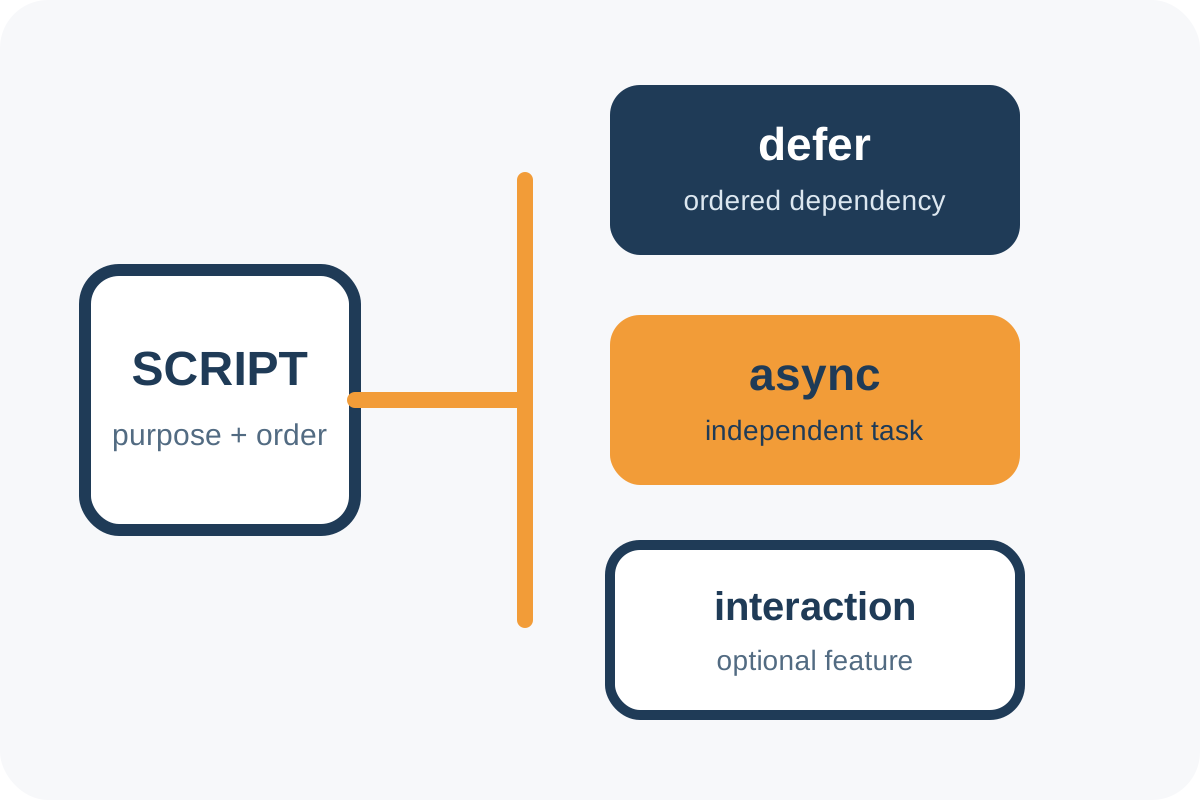
The safest route
Message for support or a developer
“Find synchronous external JavaScript in head, map dependencies, and propose defer, async or event-driven loading per file. Back up first, do not delay critical code blindly, and test menus, forms, cart, checkout, analytics, Console and waterfall on desktop/mobile.”
Back up templates and build configuration, enable asset versioning and record working journeys. Change one group at a time so a regression remains attributable.
Implementation steps
- Filter JS in DevTools → Network and find synchronous external tags in source HTML.
- Record each file's owner, purpose, dependencies and expected DOM elements.
- Keep code synchronous only when a test proves it is critical.
- For library → plugin → initialization chains, add
deferto every external participant in the required order. - Use
asyncfor independent analytics or integrations only when order is irrelevant. - Load an optional below-the-fold widget near its viewport entry or deliberate interaction, with a visible trigger and error state.
- Clear caches and repeat waterfall and functional journeys on desktop/mobile with a throttled network.
Technical reference
Ordered dependencies
<script defer src="/js/library.js"></script>
<script defer src="/js/app.js"></script>
defer preserves order for external classic scripts and runs them after HTML parsing.
Independent script
<script async src="https://vendor.example/analytics.js"></script>async runs when downloaded and does not guarantee order against neighboring tags.
type="module" is deferred by default; confirm the project's legacy-browser and nomodule strategy. defer has no effect on a classic inline script without src.
Risks, rollback and verification
| Symptom | Cause | Action |
|---|---|---|
… is not defined | Consumer ran before its dependency | Restore order and use defer for the chain |
| Button responds only on a second attempt | Handler attached too late | Initialize a light handler earlier |
| Analytics events disappear | Event queue was not created early | Restore the vendor's supported bootstrap |
| Render improves but INP worsens | Heavy work moved onto interaction | Split it or prepare it during idle time |
To roll back, restore the previous tags and build, clear caches and repeat critical actions. Then perform the independent audit. Minification, code removal and logic repair are separate work.
