Independent script
<script async src="https://vendor.example/widget.js"></script>async executes when downloaded and does not preserve order.
The safest route is to give a developer the PSI provider list and the purpose of each integration. Consent, payment, CAPTCHA and analytics require different activation strategies.
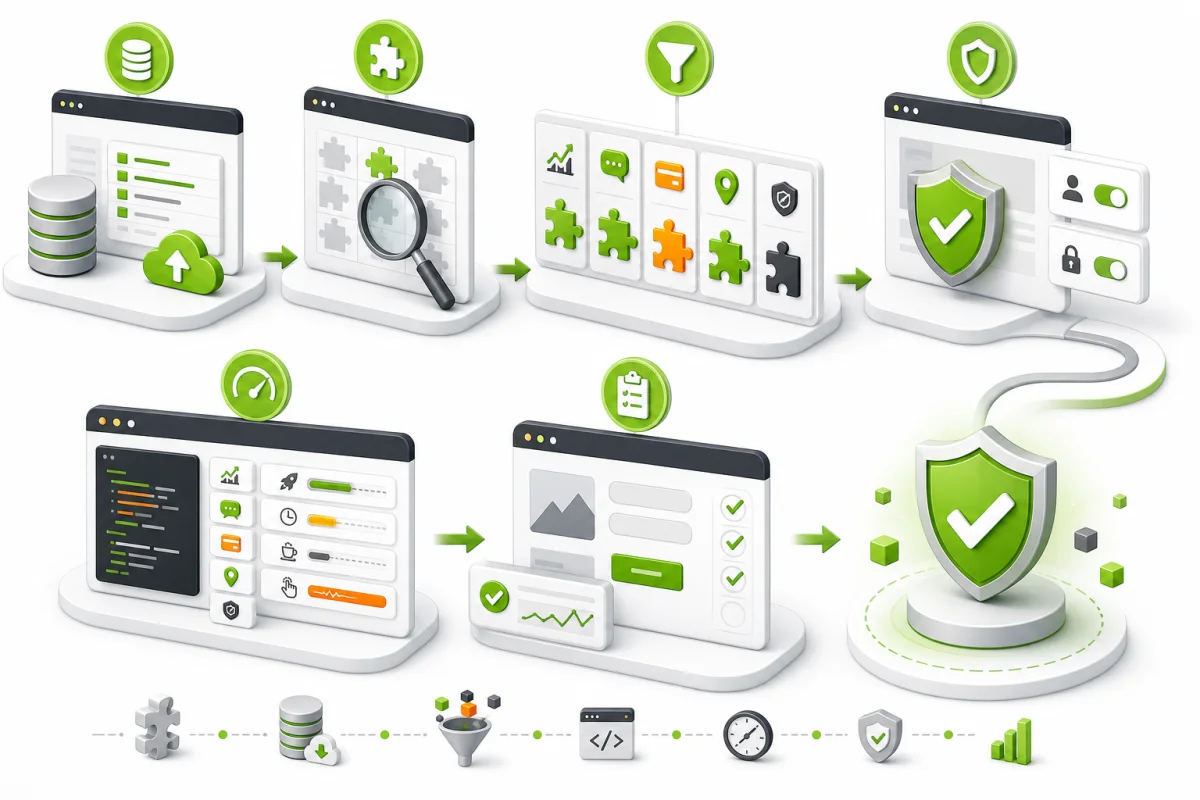
Review the PSI third-party providers on the submitted page.
Document the purpose and essential events of every integration.
Reduce initial-load impact without breaking consent, payments,
CAPTCHA, authentication, forms, analytics or advertising goals.
Create a backup and show PSI/DevTools before and after.
Verify analytics, advertising and chat separately.async or defer for independent scripts while respecting dependencies.<script async src="https://vendor.example/widget.js"></script>async executes when downloaded and does not preserve order.
<script defer src="https://vendor.example/app.js"></script>defer preserves order and runs after document parsing.
Starting everything “after five seconds” can lose short visits and events. Prefer consent, browser idle time, proximity or a relevant interaction.
First-party JavaScript minification, fonts, images and code errors are separate work.
