Start Network recording with a mobile viewport
How to find desktop resources on mobile
Cold-load at a narrow viewport, find the invisible component in DOM and connect its requests to their initiators. Compare with desktop and verify the mobile alternative preserves the feature.
Quick check
- Open a clean DevTools window, enable mobile device mode before entering the URL, Disable cache and Preserve log.
- Load the page and locate the visually absent desktop component through Elements or its known selector.
- Filter its images, JS, CSS, iframe and XHR/fetch in Network; inspect the Initiator column.
- Save request count and transferred bytes, then repeat a cold desktop load.
- Test the mobile alternative, navigation, forms and direct links; rotate and resize the viewport.
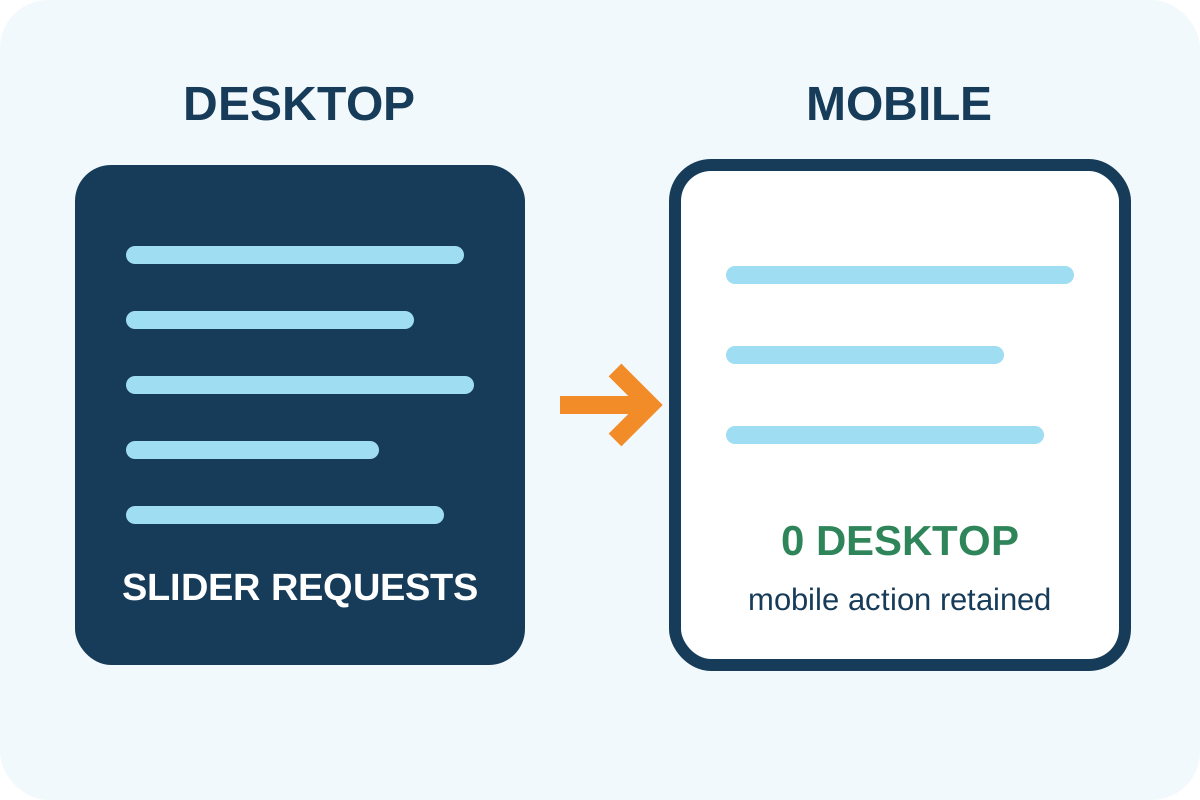
Good result: true desktop-only resources are absent from a cold mobile load while the required meaning and action remain in a light alternative.
Issue levels
| Observation | Level | Action |
|---|---|---|
| No desktop resources and mobile feature preserved | No issue | Save HAR for both layouts |
| A tiny hidden decorative asset loads | Low | Compare savings and complexity |
| Invisible slider/widget loads large assets and JS | High | Separate resource and initialization |
| Optimization removes mobile content or action | Critical | Restore an accessible alternative |
Technical hidden-element check
[...document.querySelectorAll('img, iframe, video, [hidden]')]
  .filter(el => getComputedStyle(el).display === 'none' || !el.getClientRects().length)
  .map(el => ({ tag: el.tagName, src: el.currentSrc || el.src, class: el.className }))
This lists hidden elements in the current DOM but does not prove a download or include backgrounds, removed nodes or JS/API work. Confirm every candidate in Network by URL and initiator.
False conclusions and scope
- A modern browser may avoid loading an
imginside knowndisplay:none, but verify the actual network rather than assume. - Responsive
picture/srcsetselects one suitable source; no desktop URL in Network is expected. - A shared JS file can contain desktop code without a separate request; Coverage/bundle analysis is an additional check.
- Service worker, cache and resizing after load distort results.
- One viewport does not represent every phone, orientation, DPR or accessibility zoom.
Automated pricing applies to the agreed component and templates on the service page. Use the step-by-step guide for repairs.
